Business Extensions
Assign extensions to employees, departments, reception counters or selected office locations.

View selected Cloud PBX installations completed for business customers. These examples show how IP phones and extensions can be arranged for offices, reception counters, departments and growing teams.
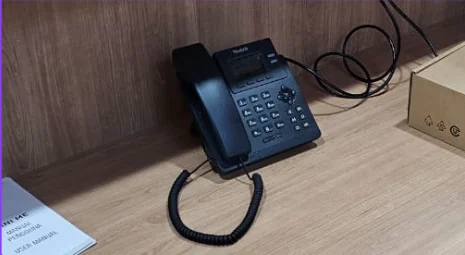
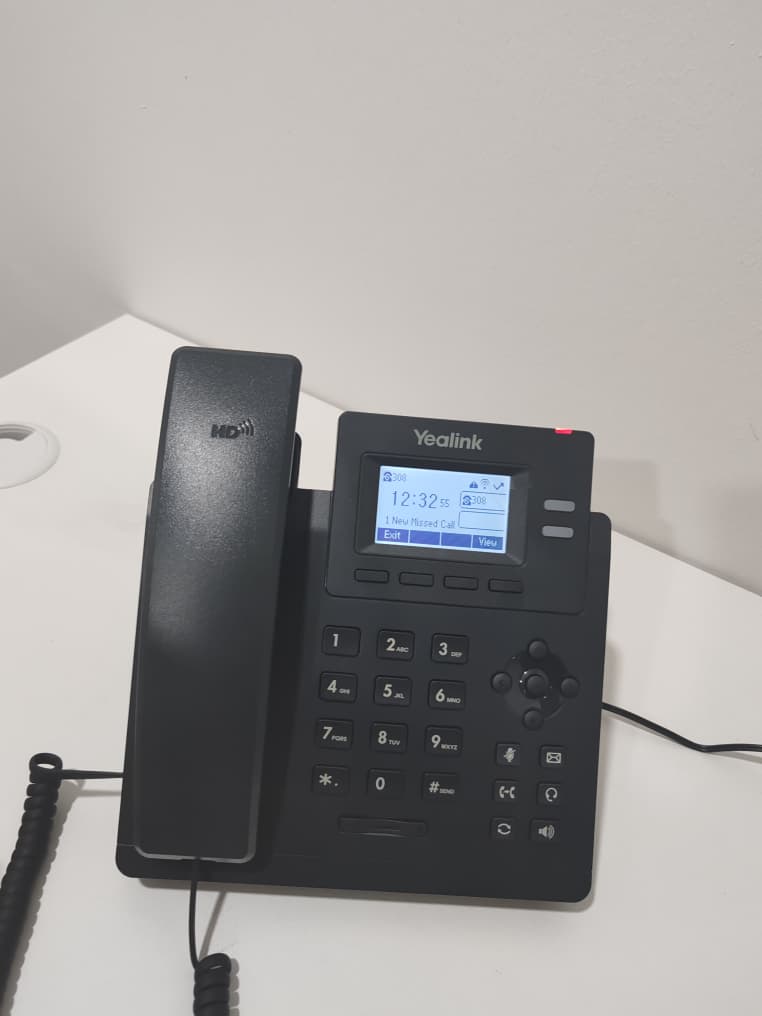
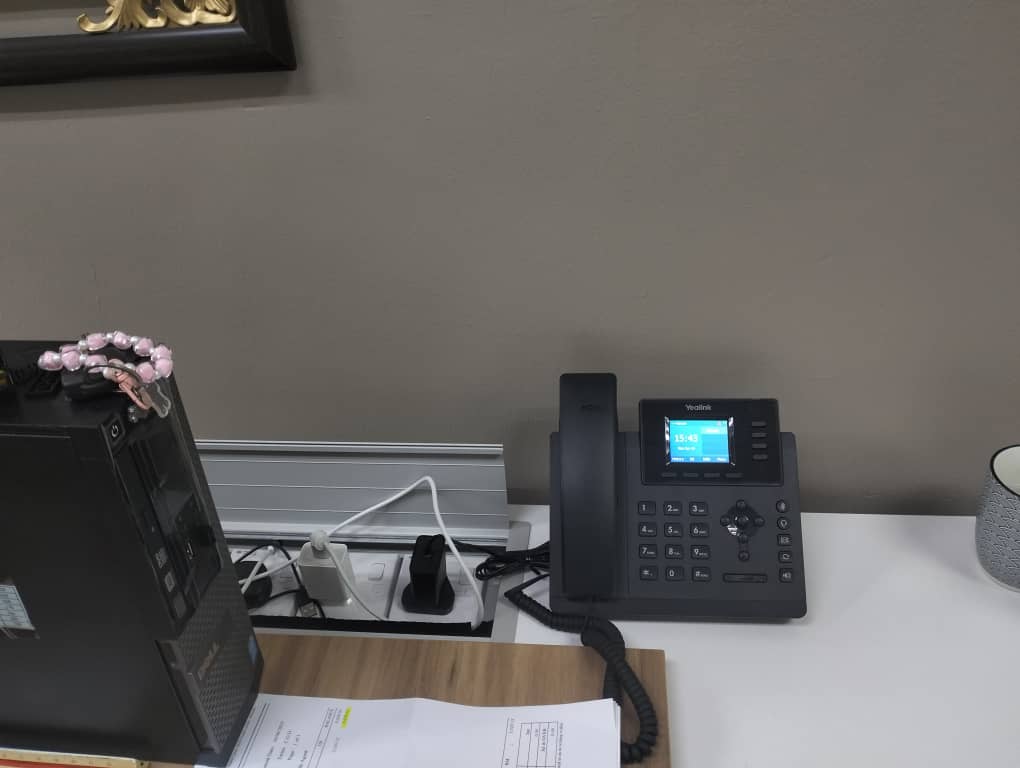
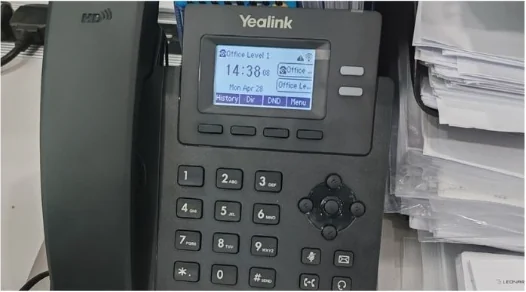
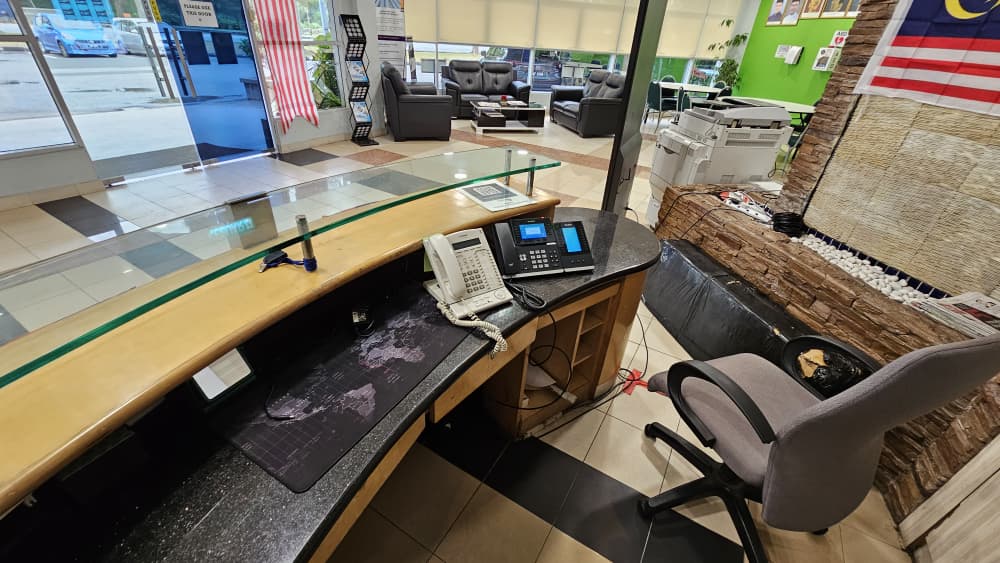
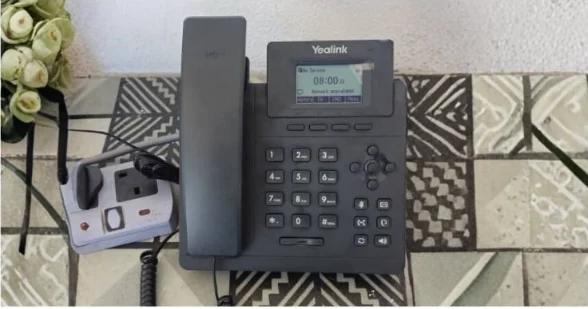
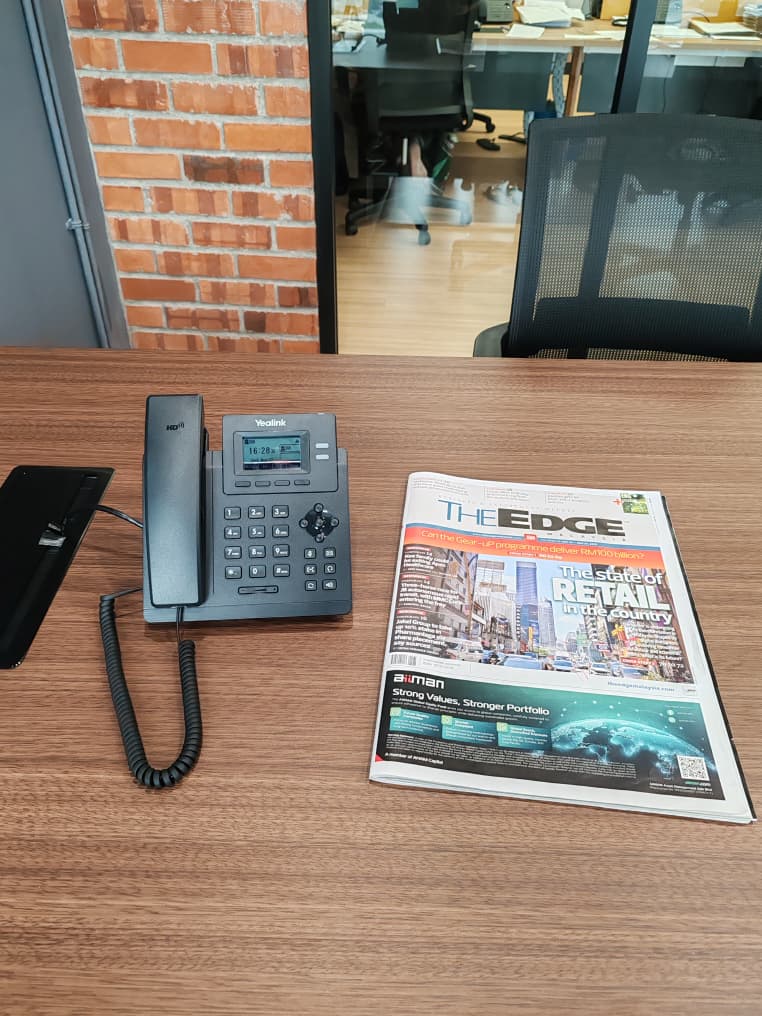
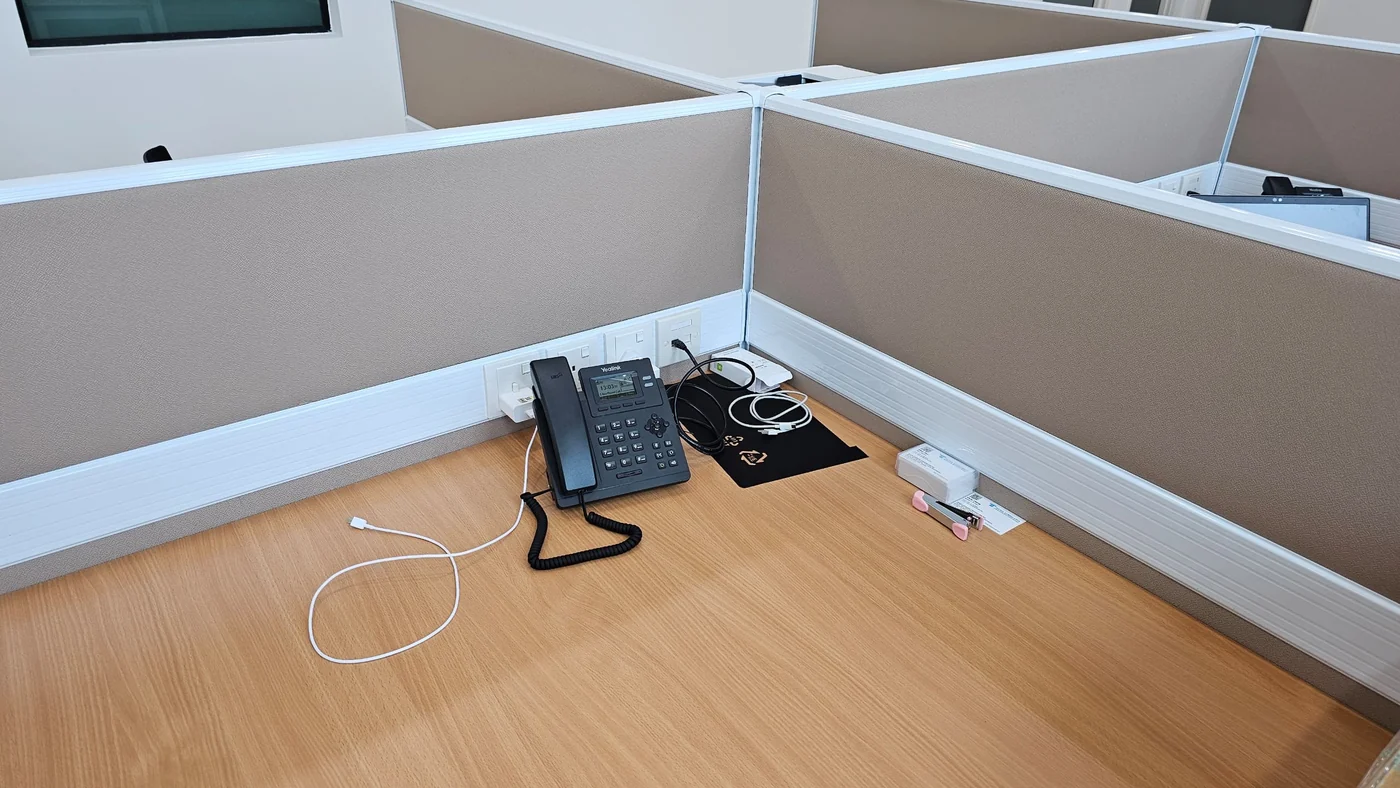
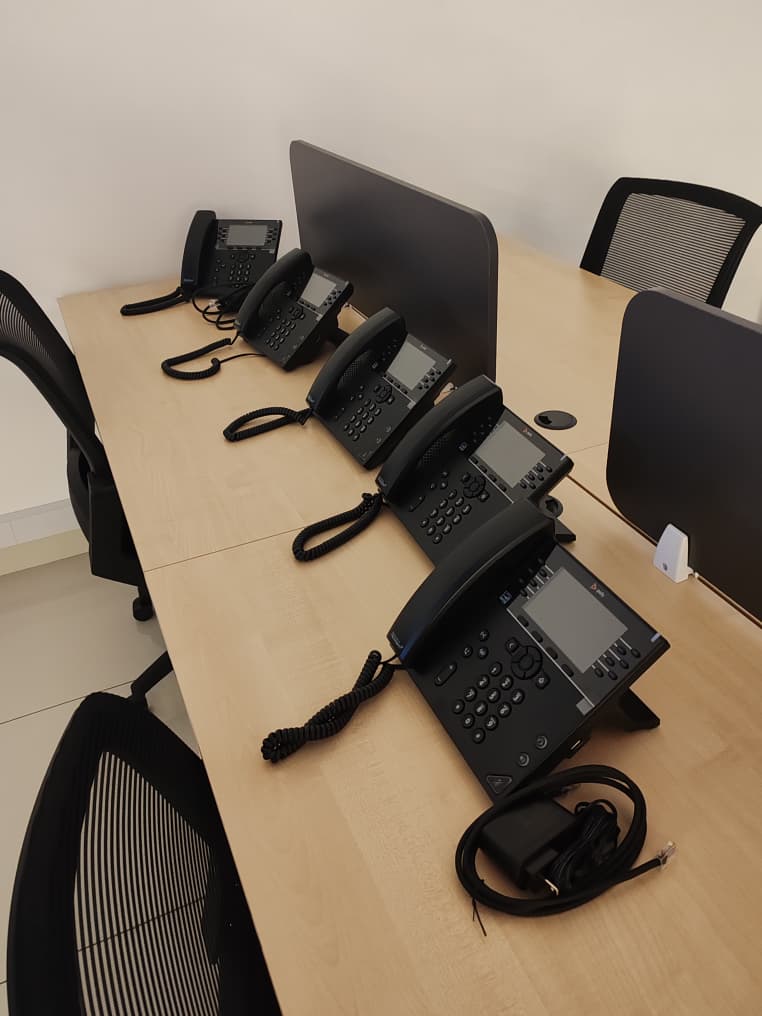
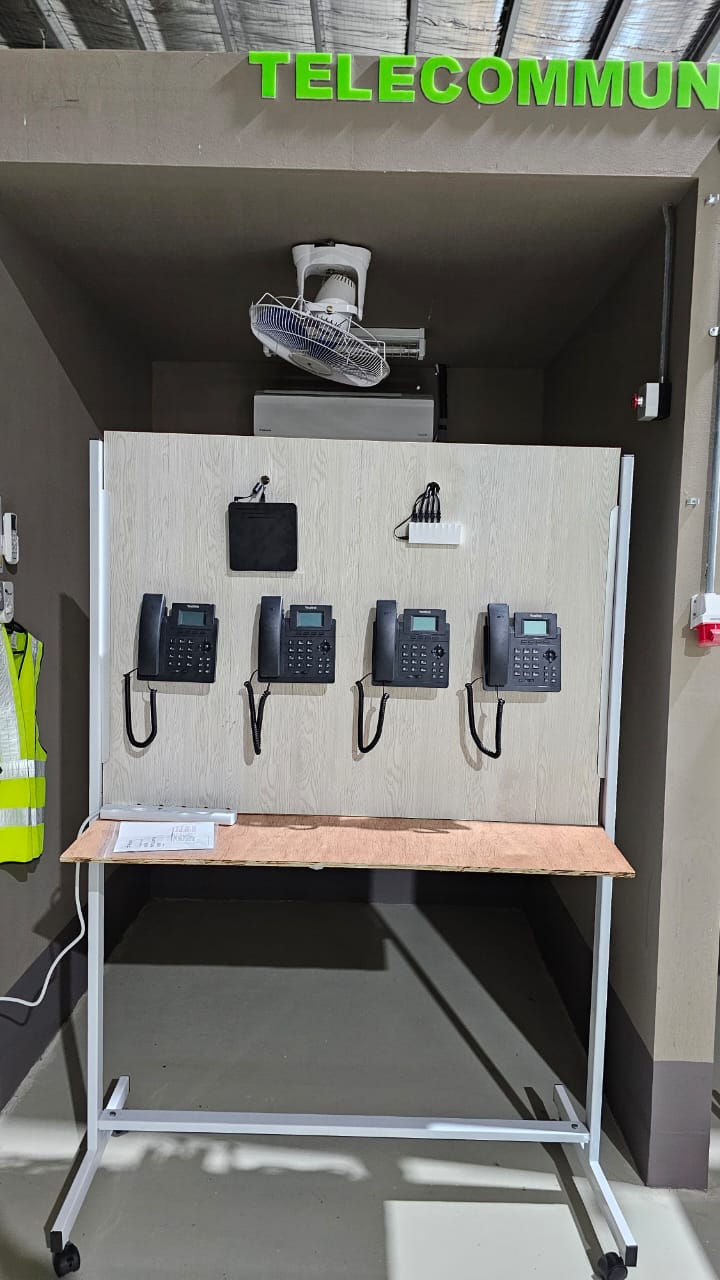
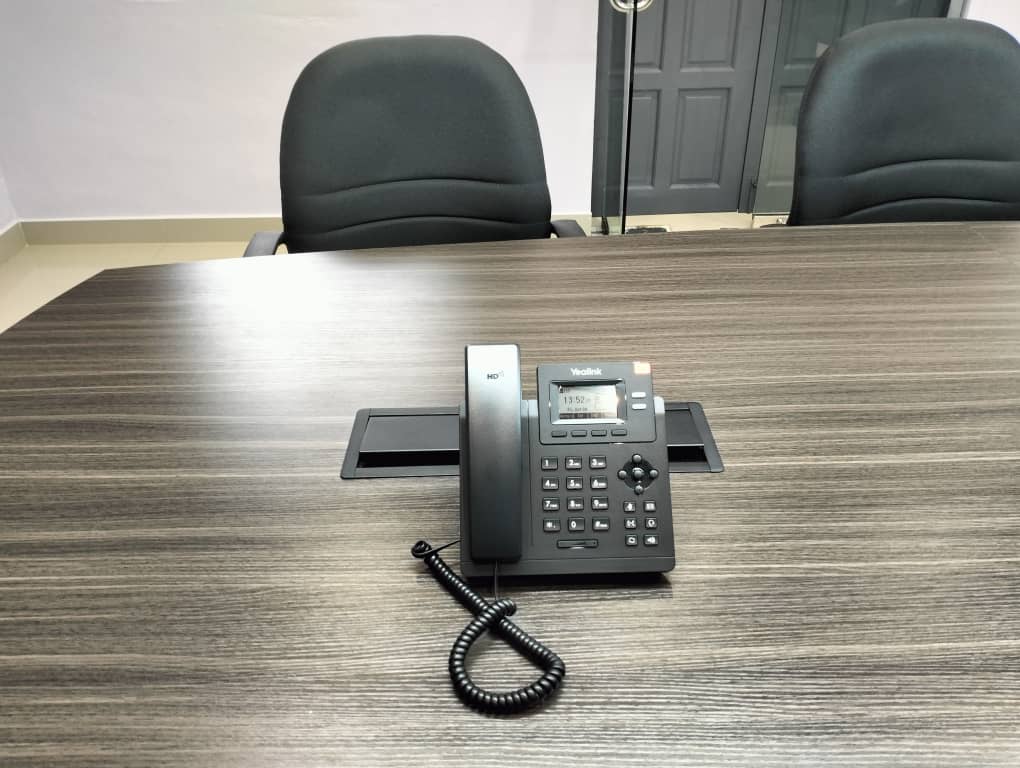
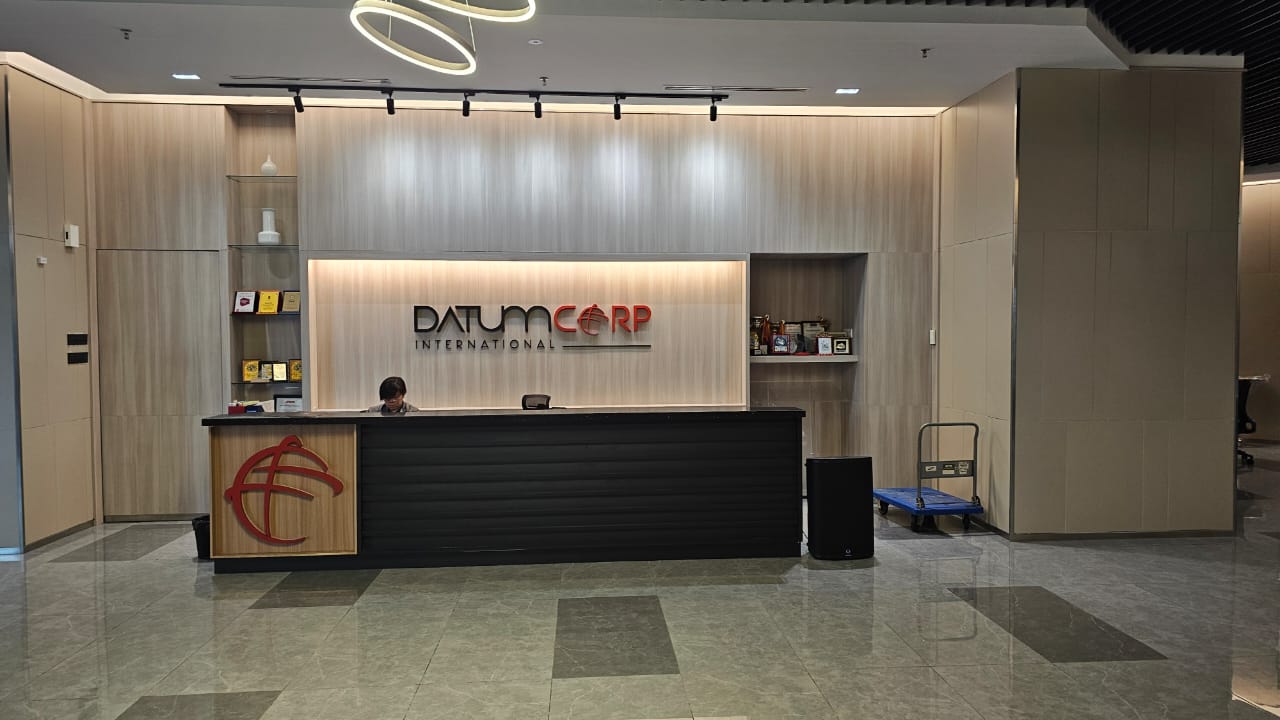
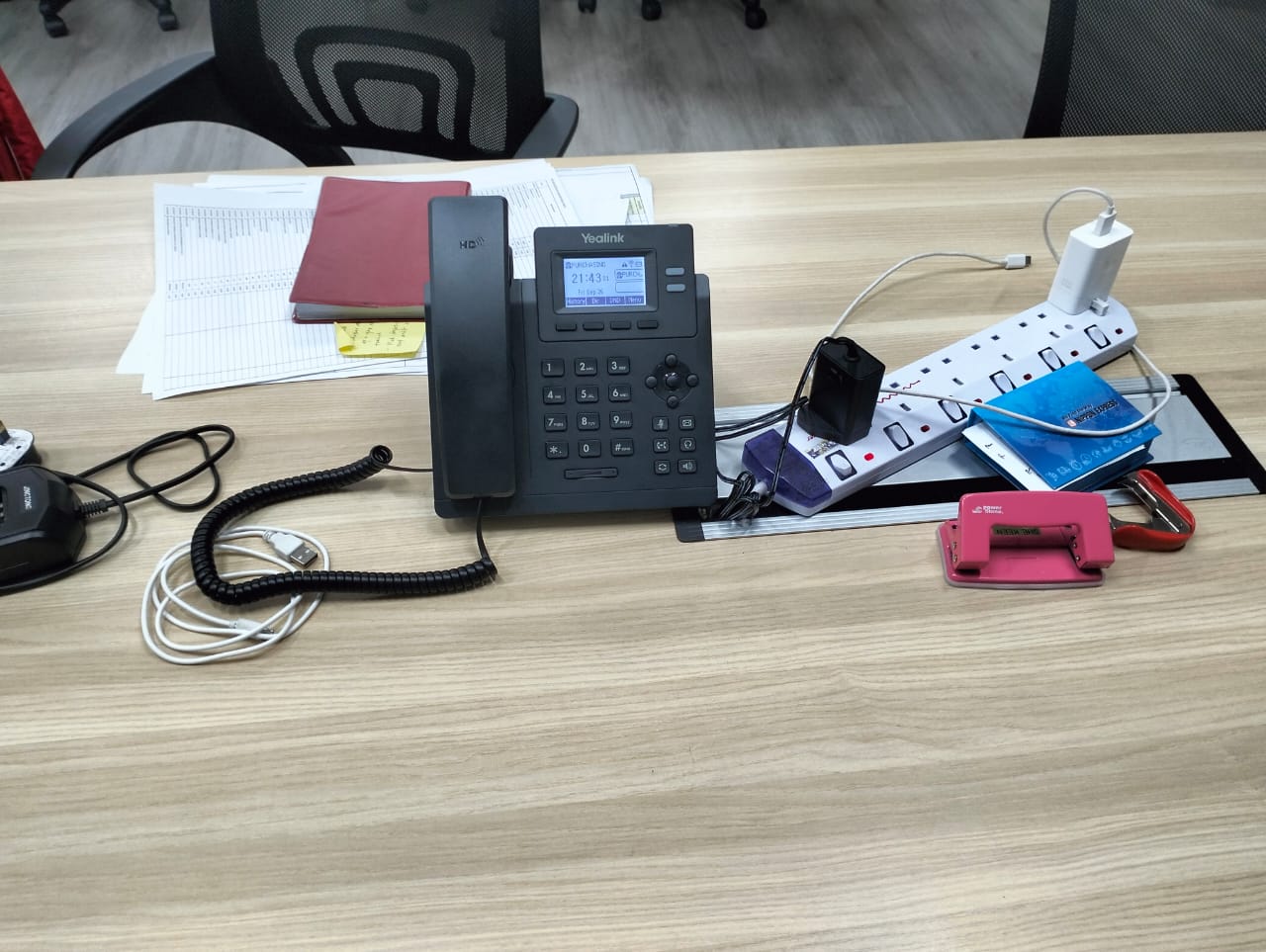
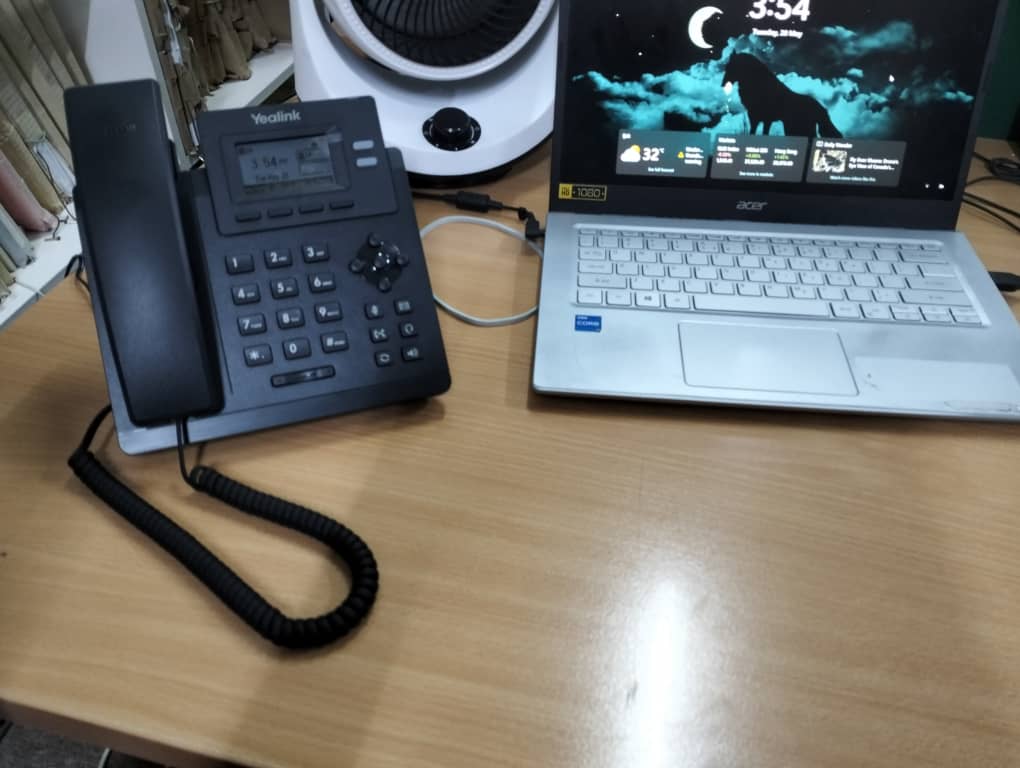
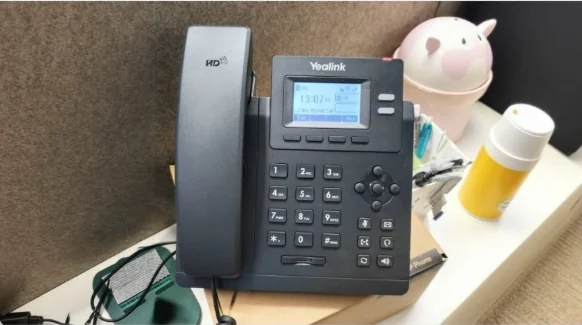
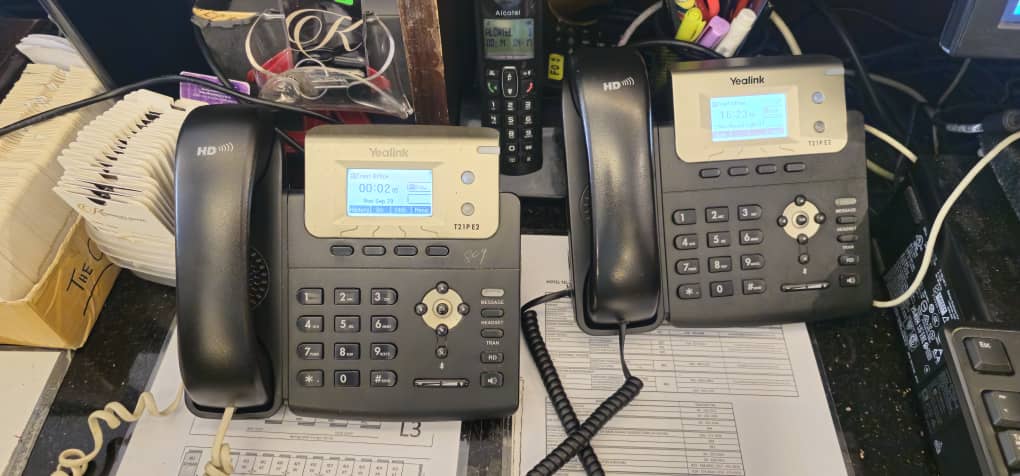
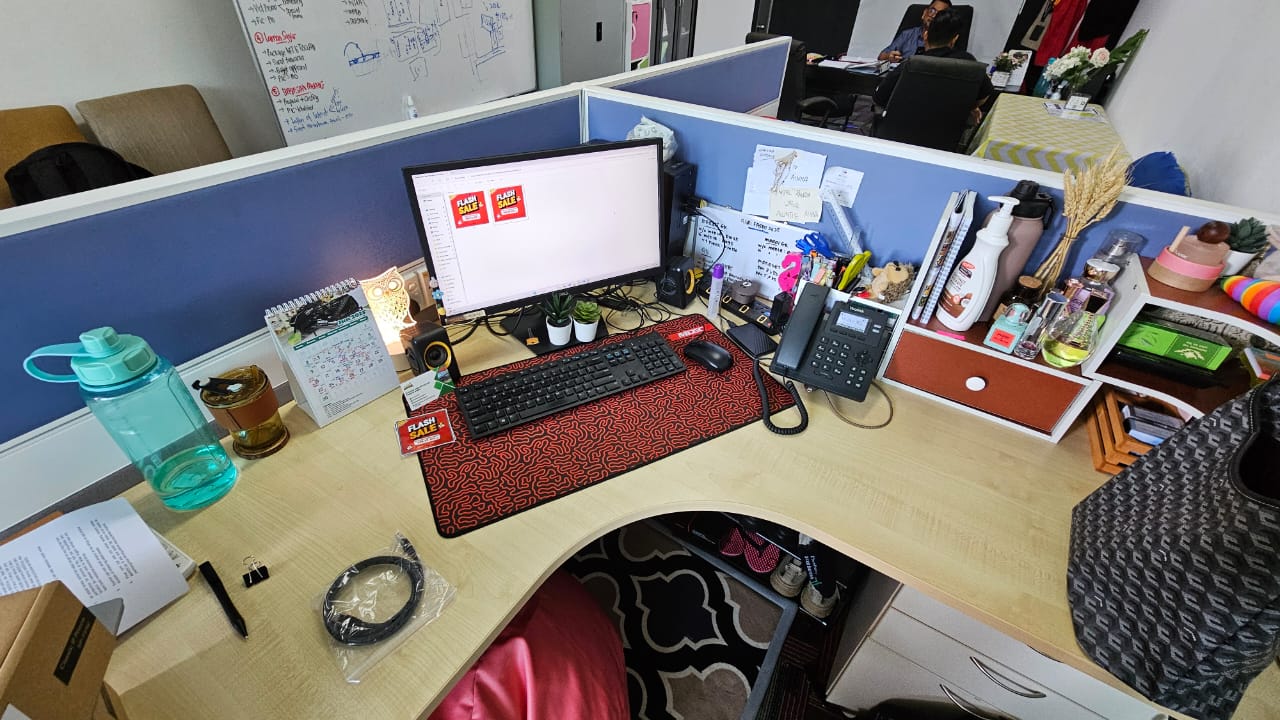
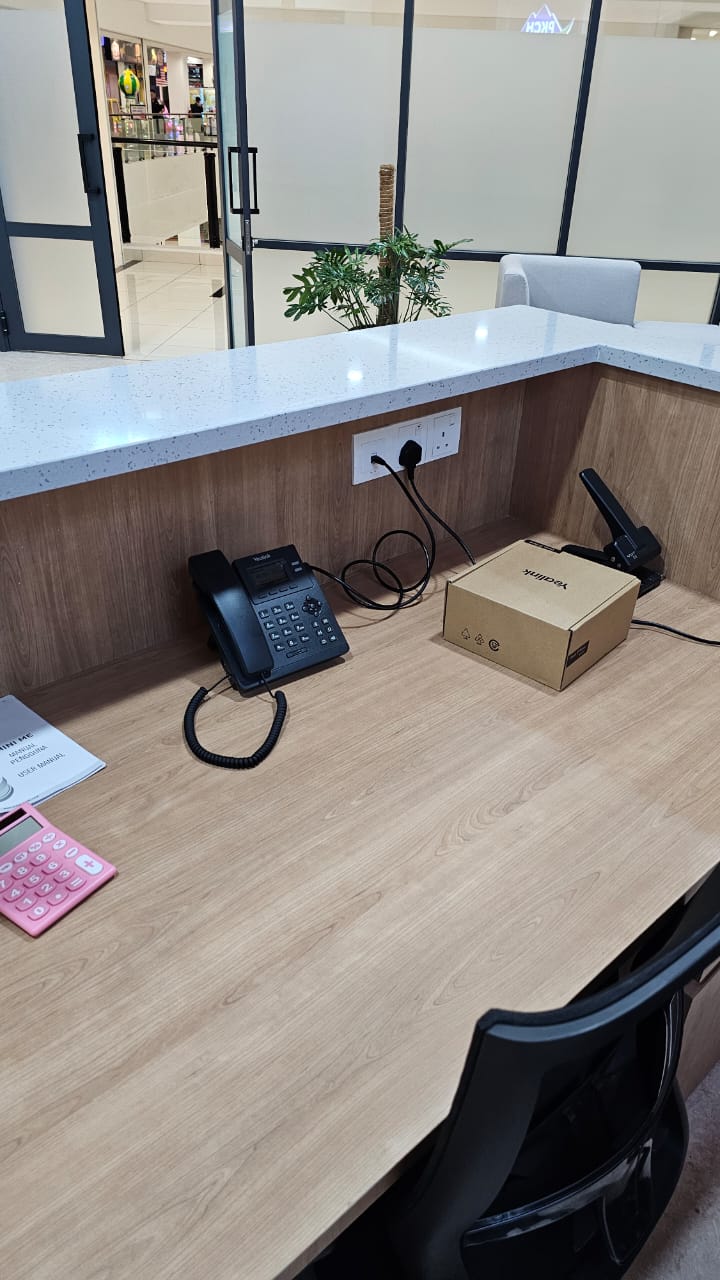
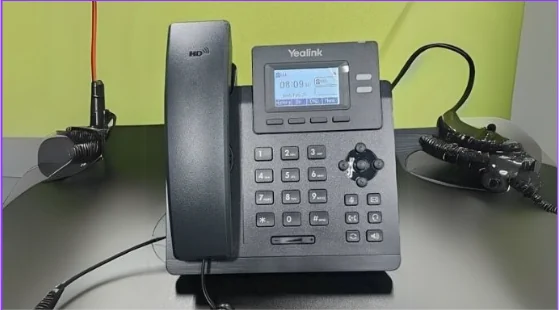
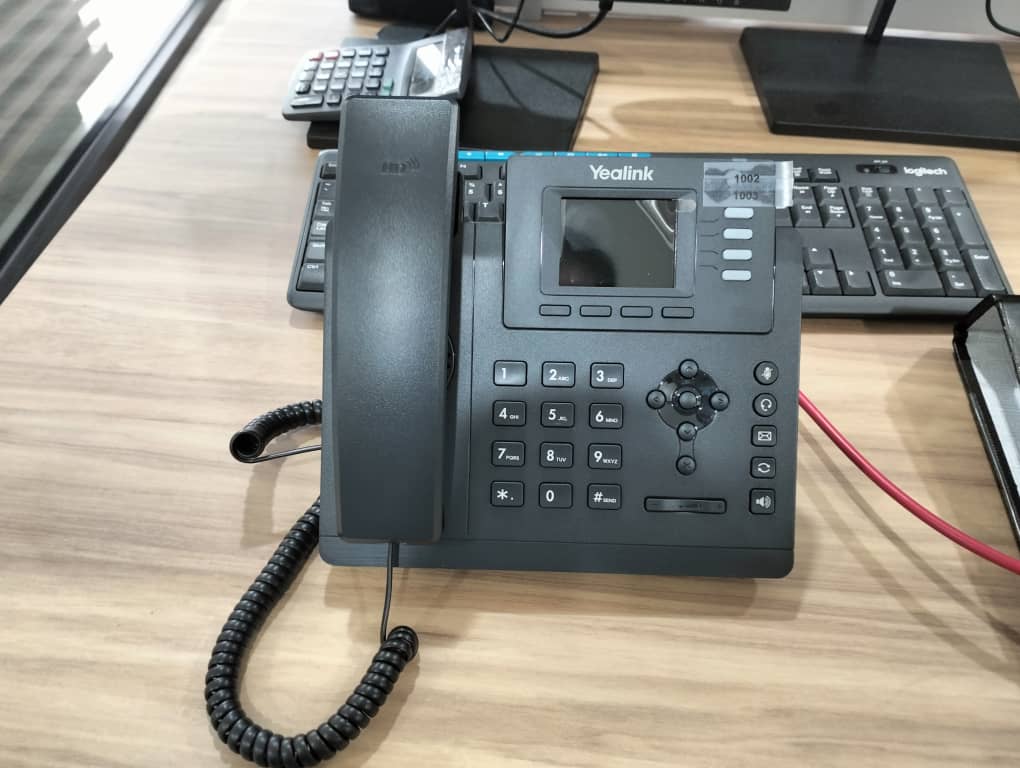
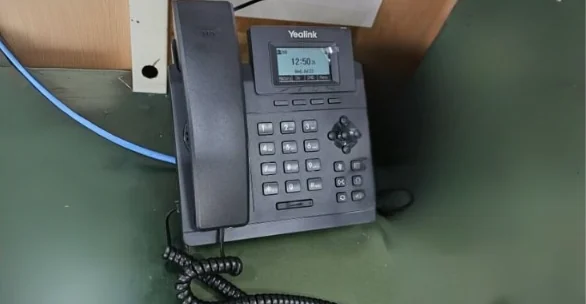
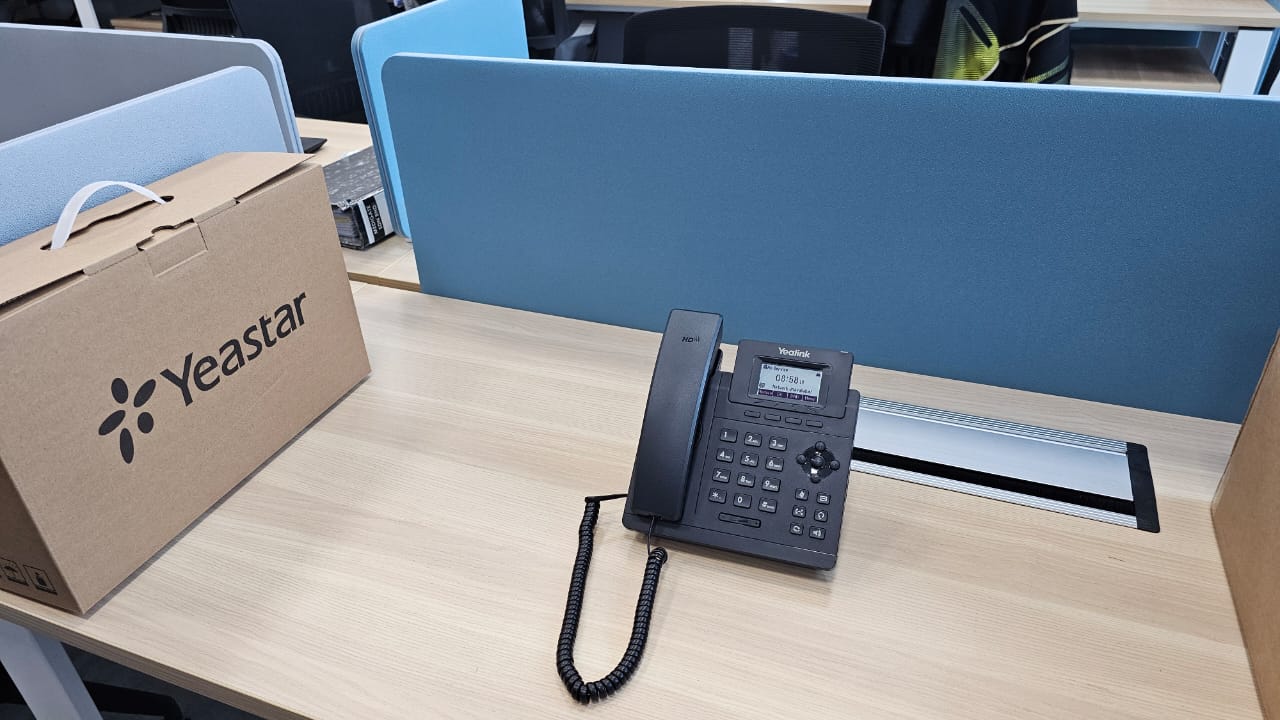
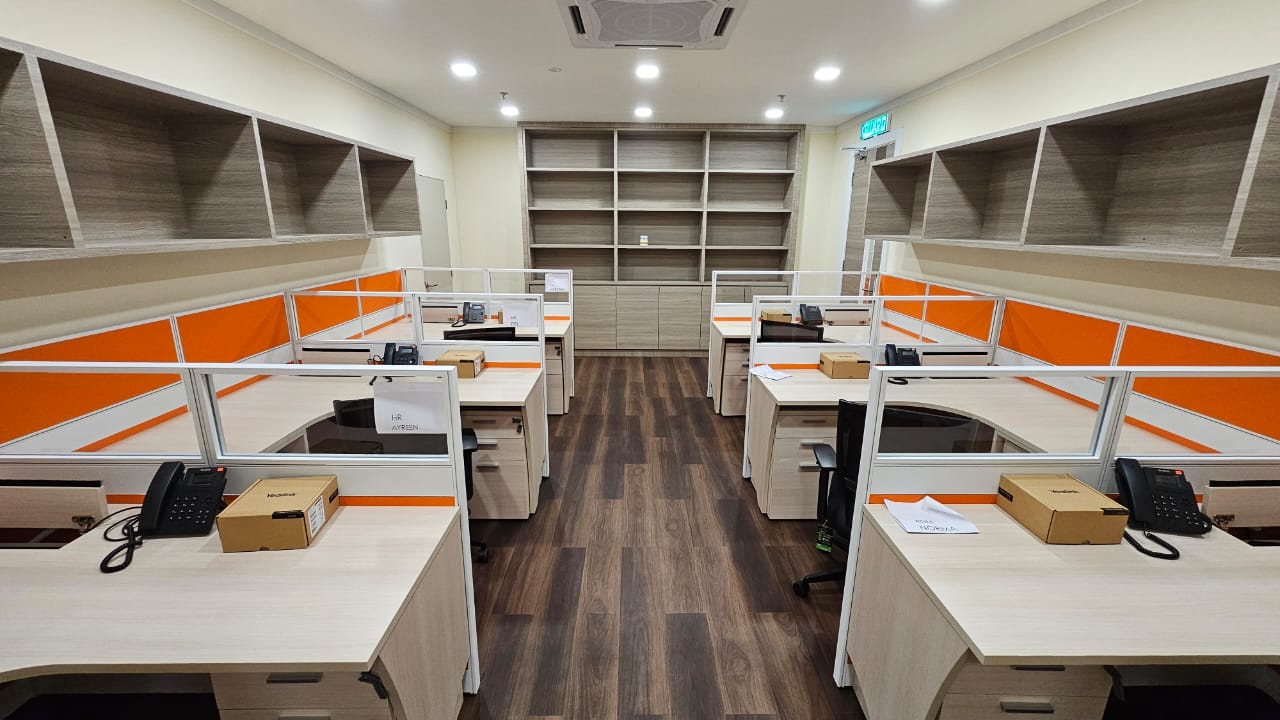
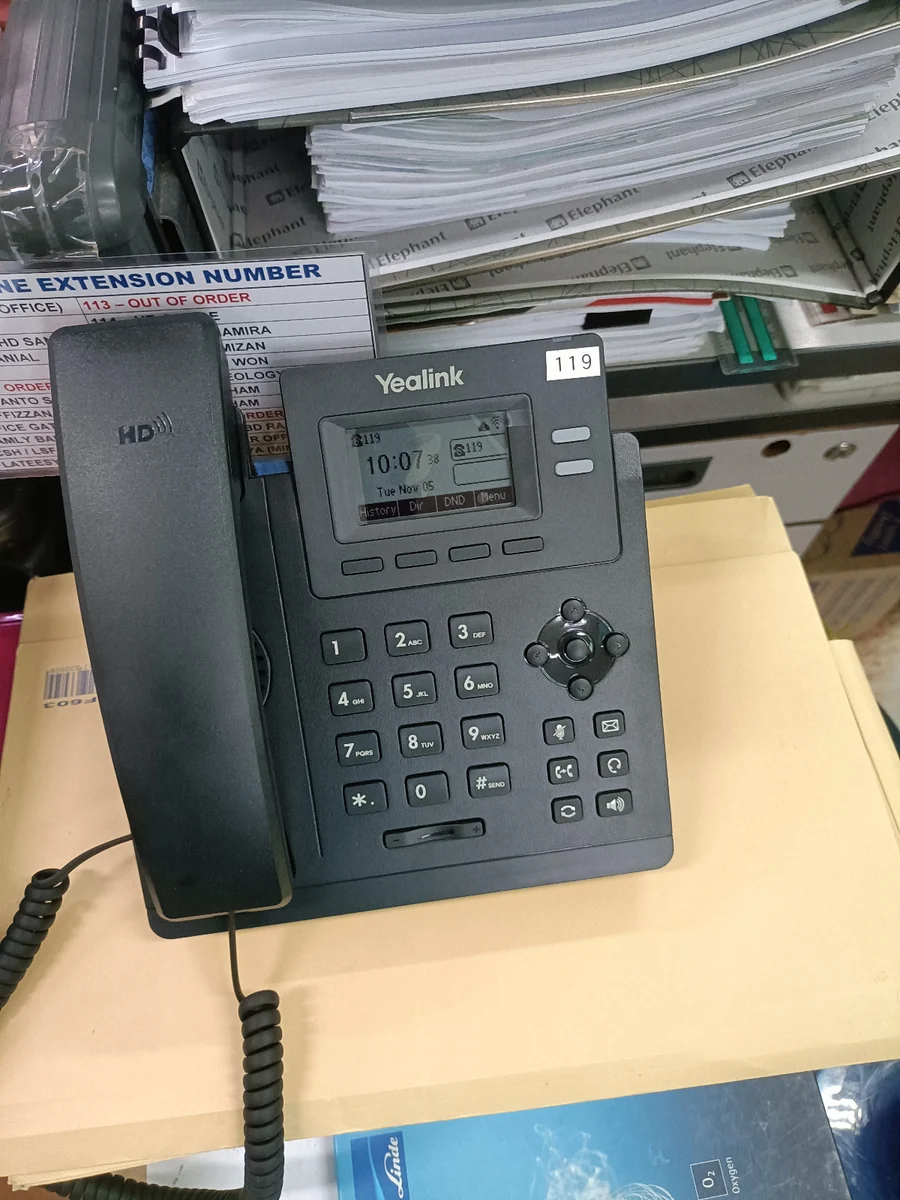
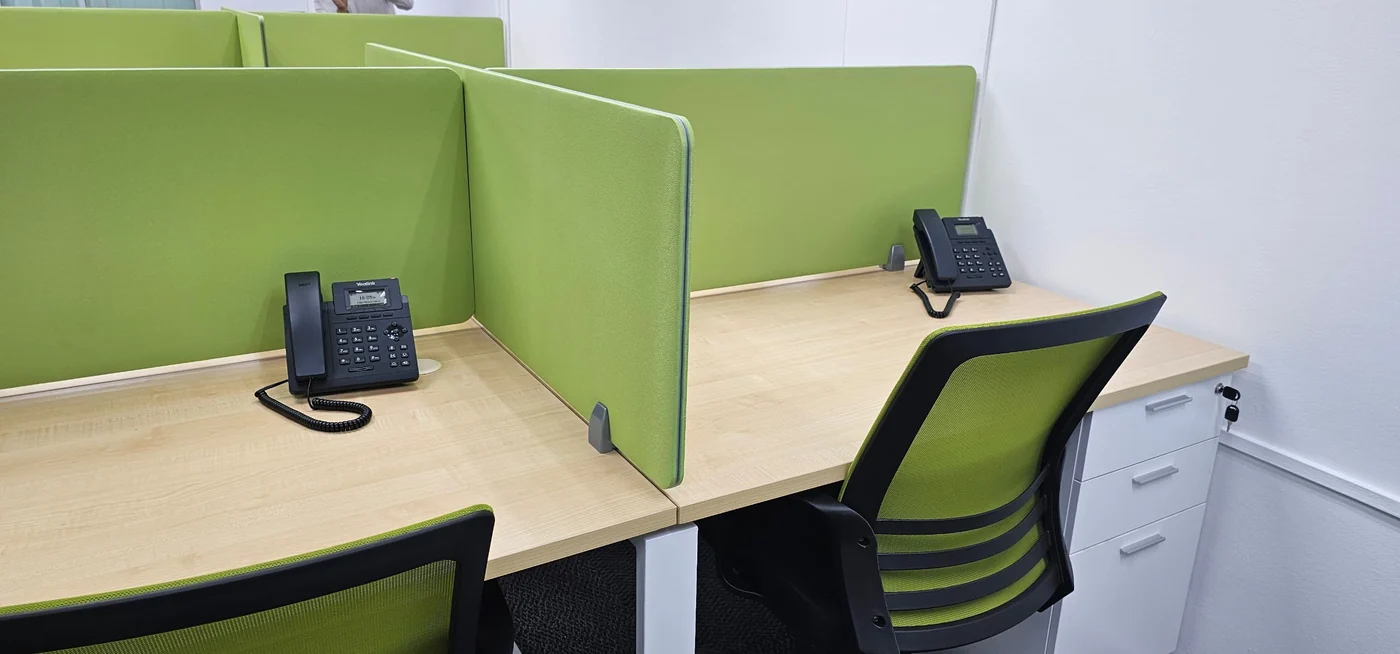
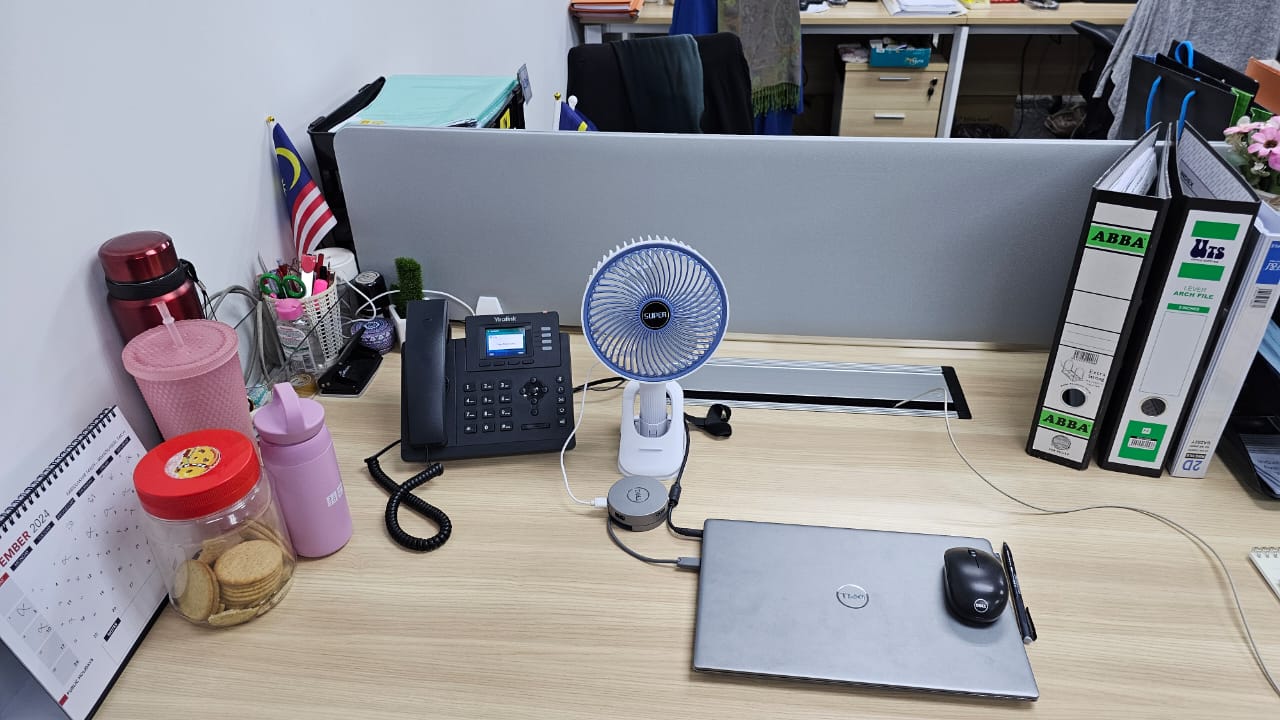
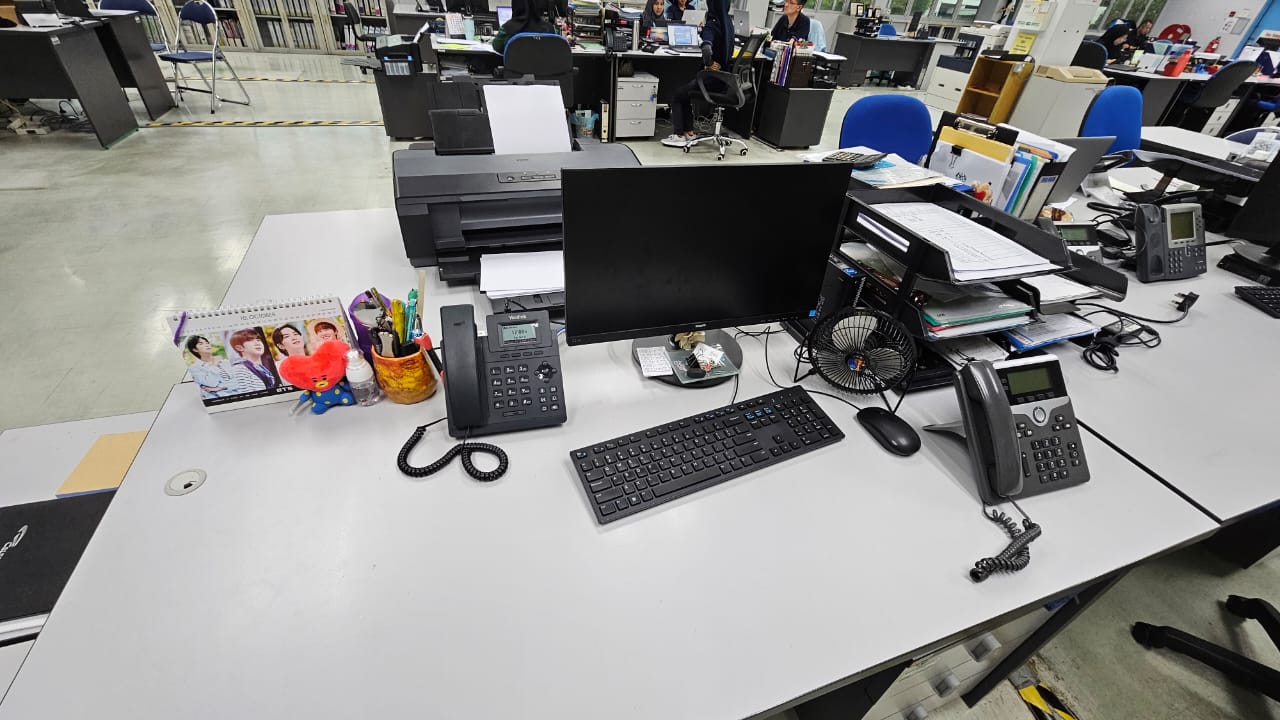
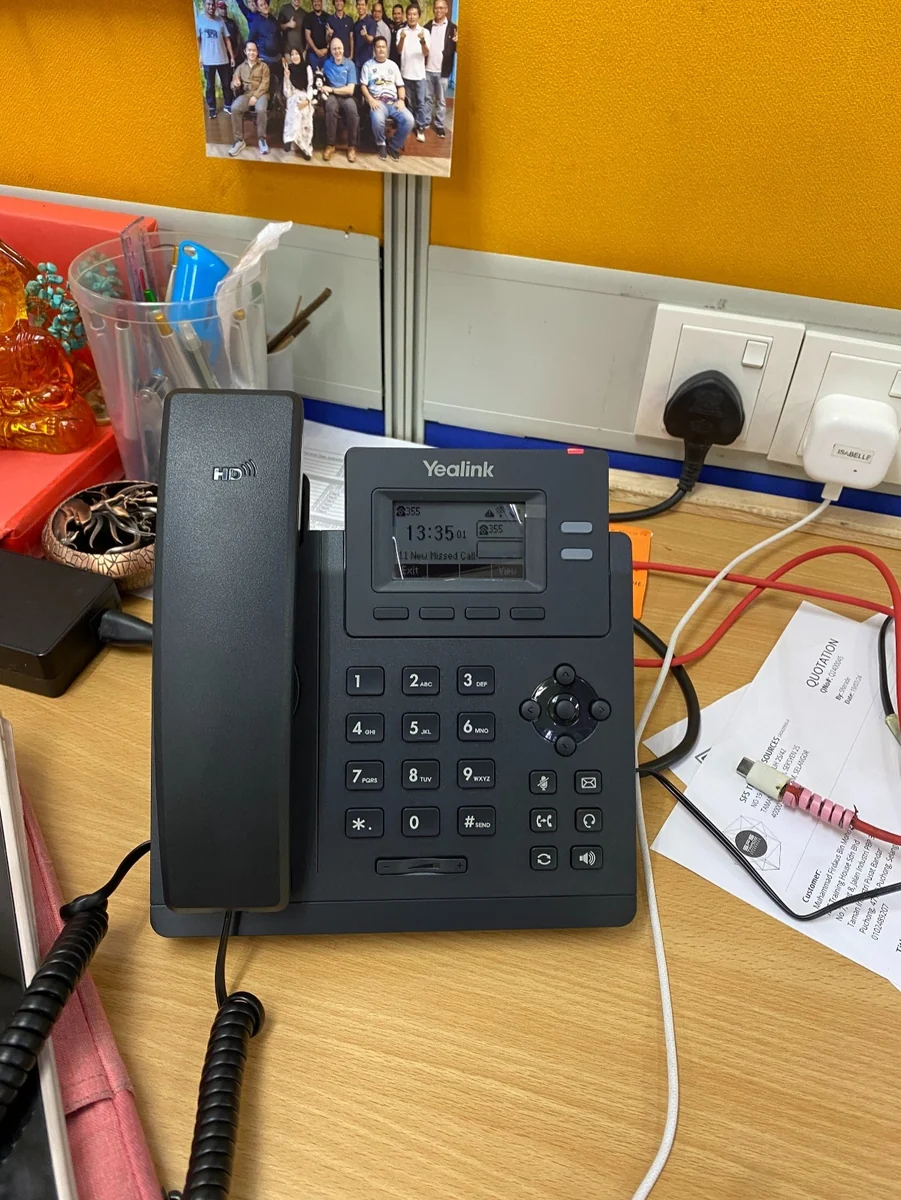

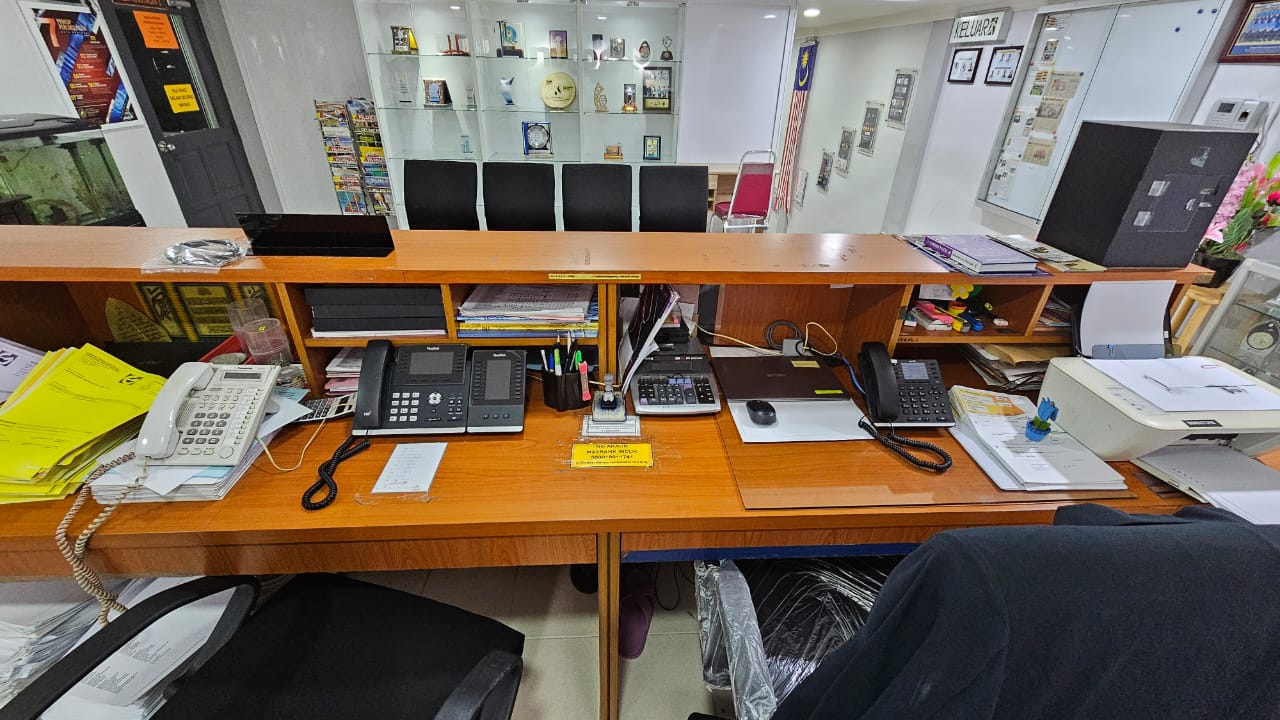
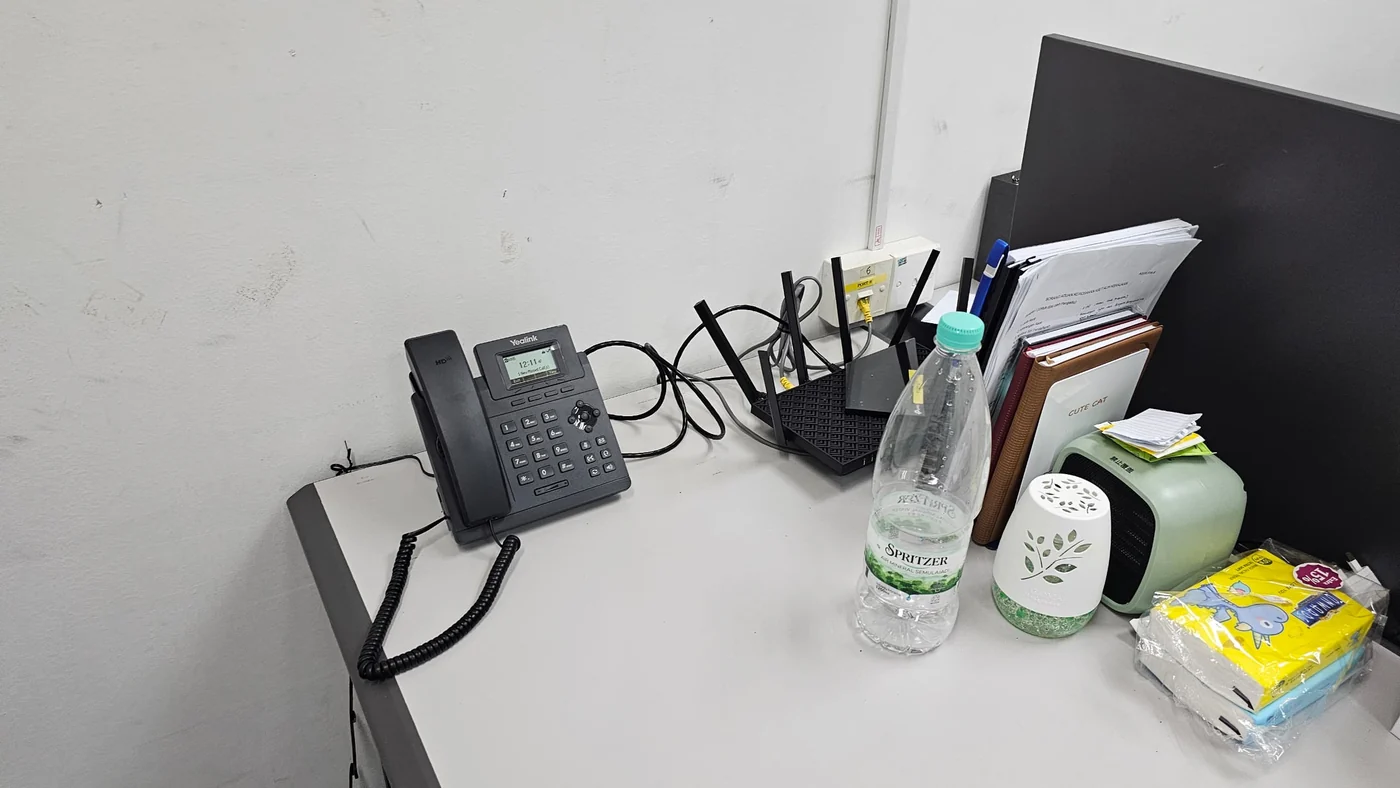
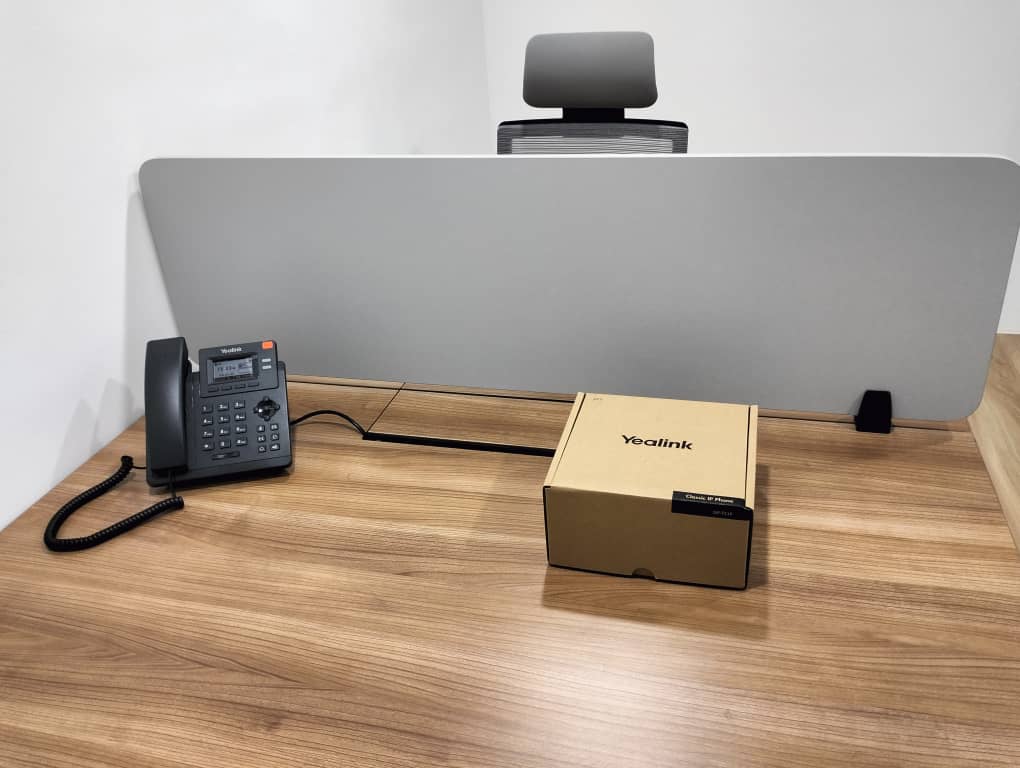
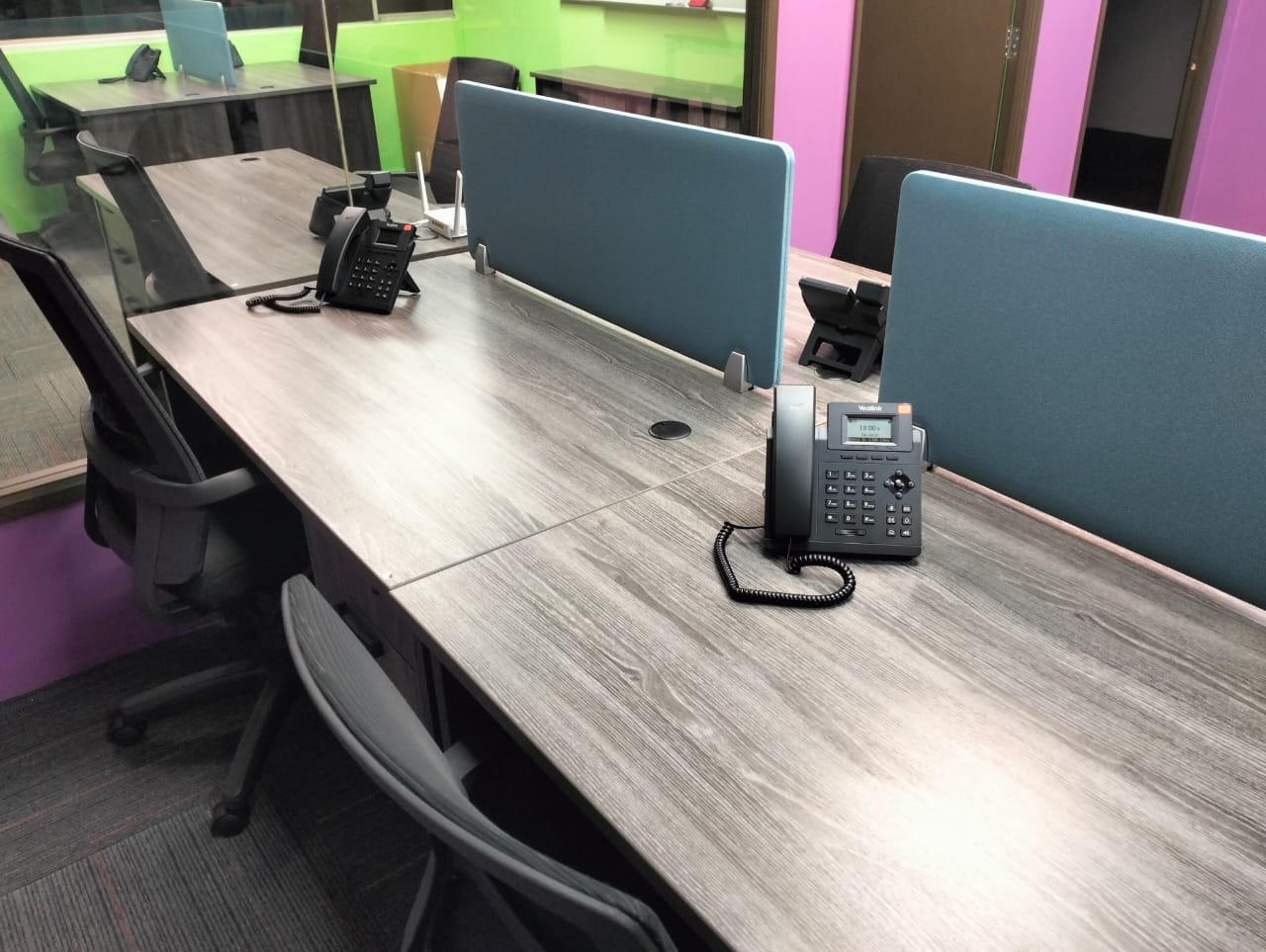
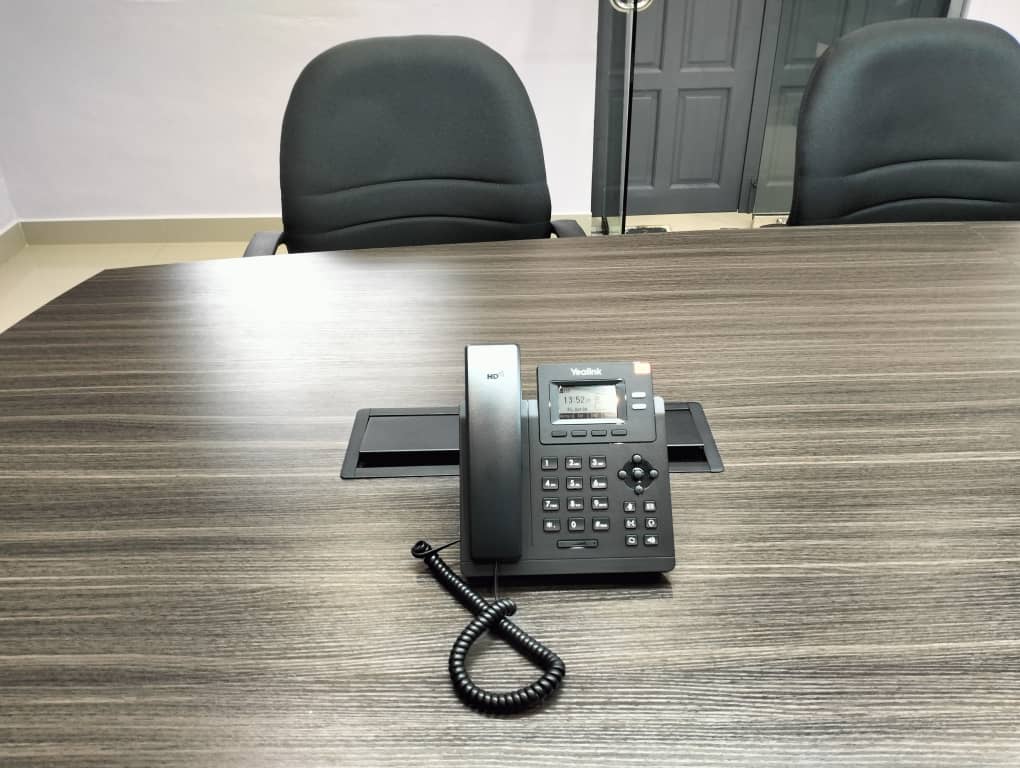
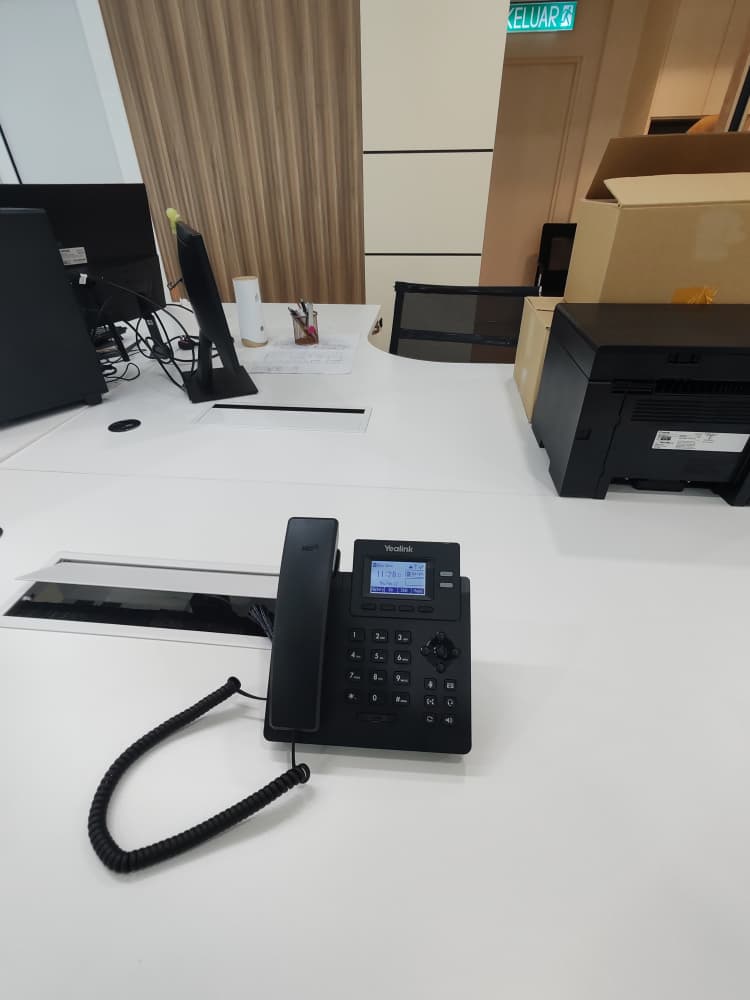
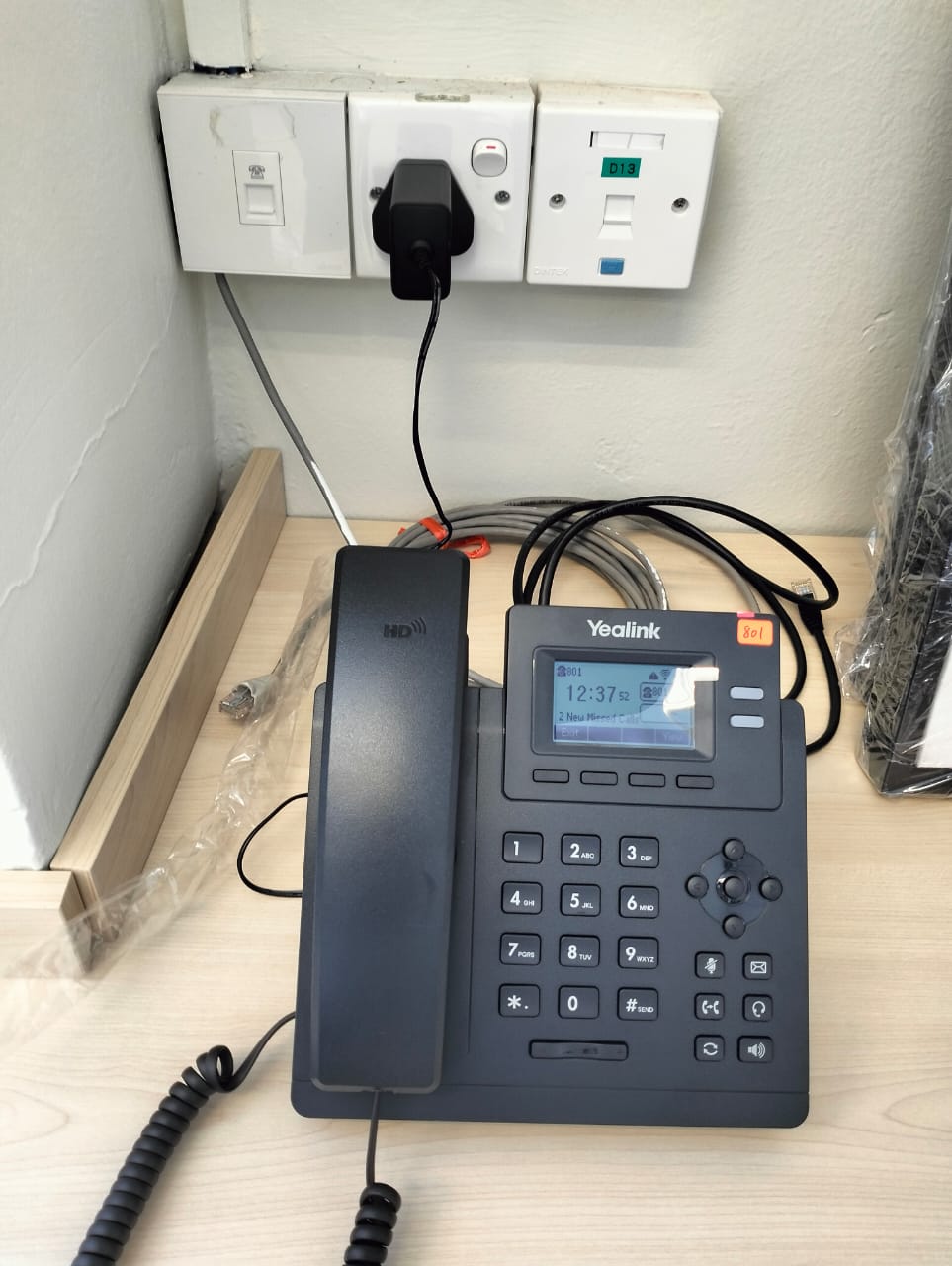
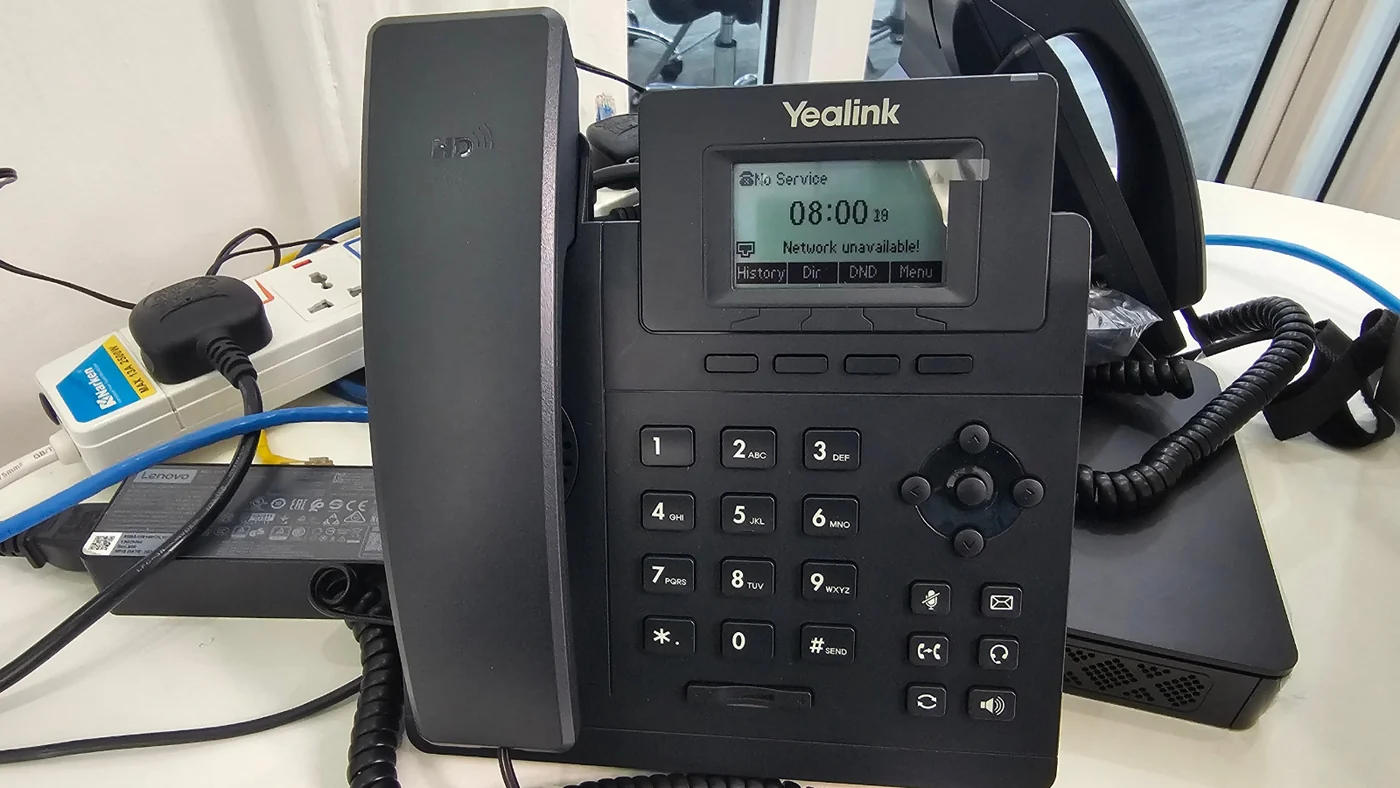
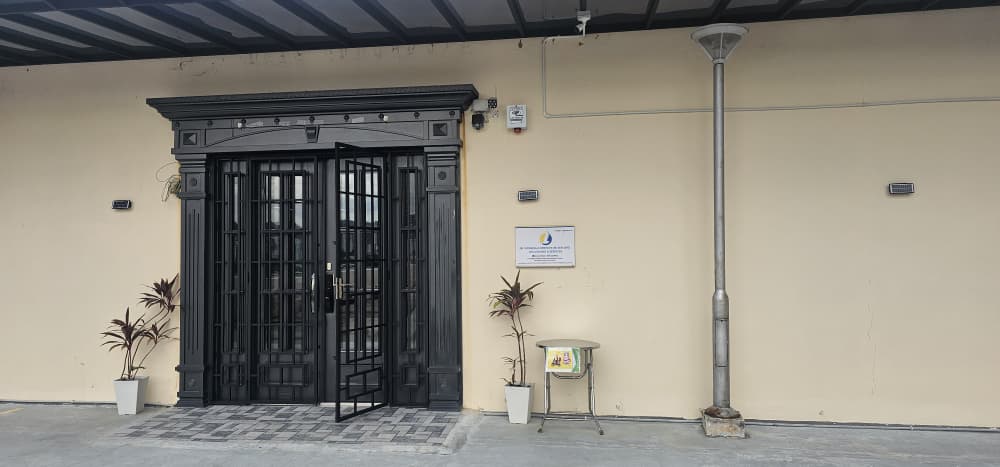
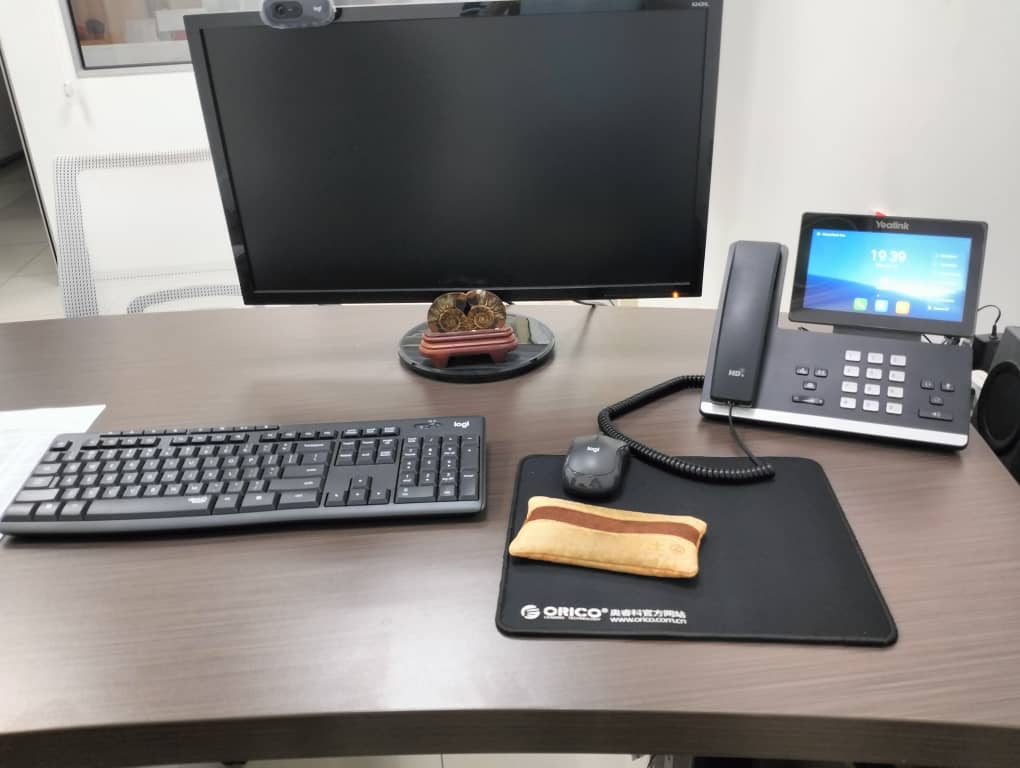
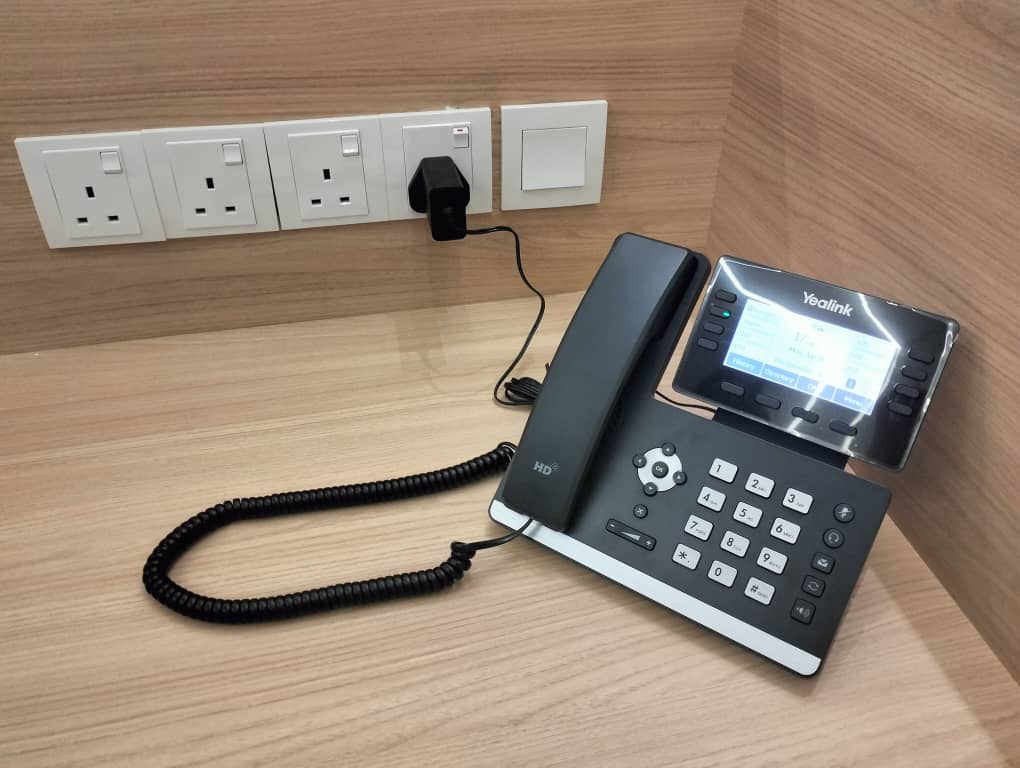
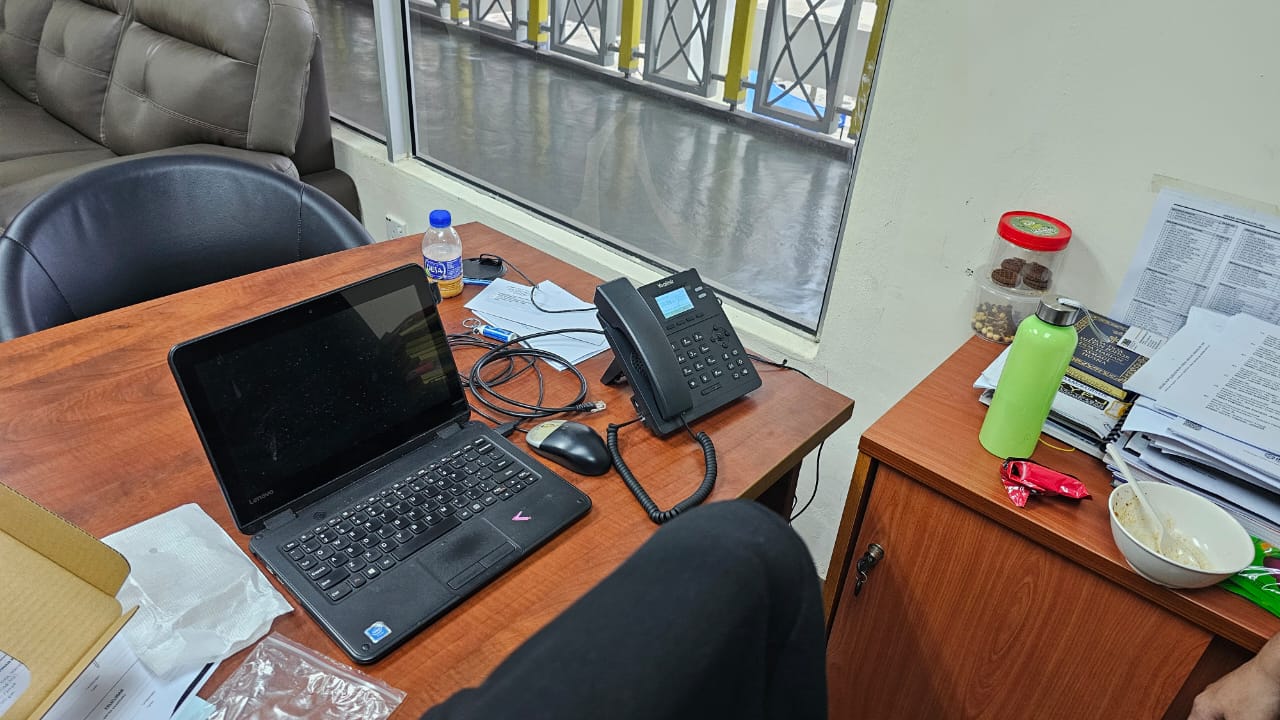
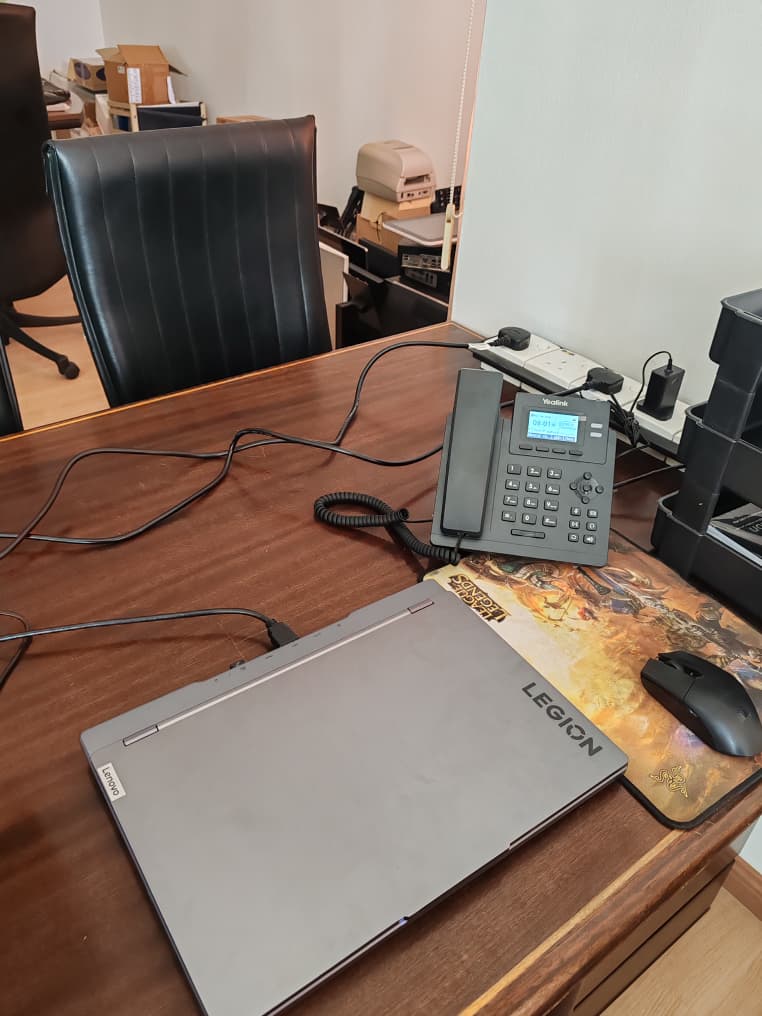
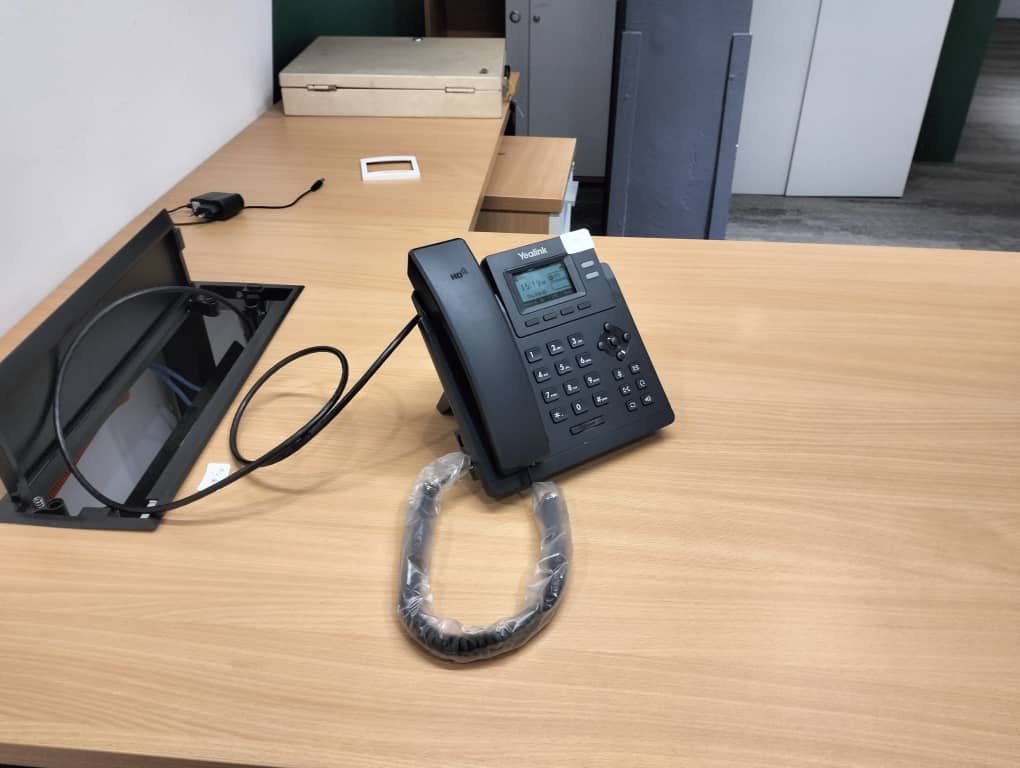
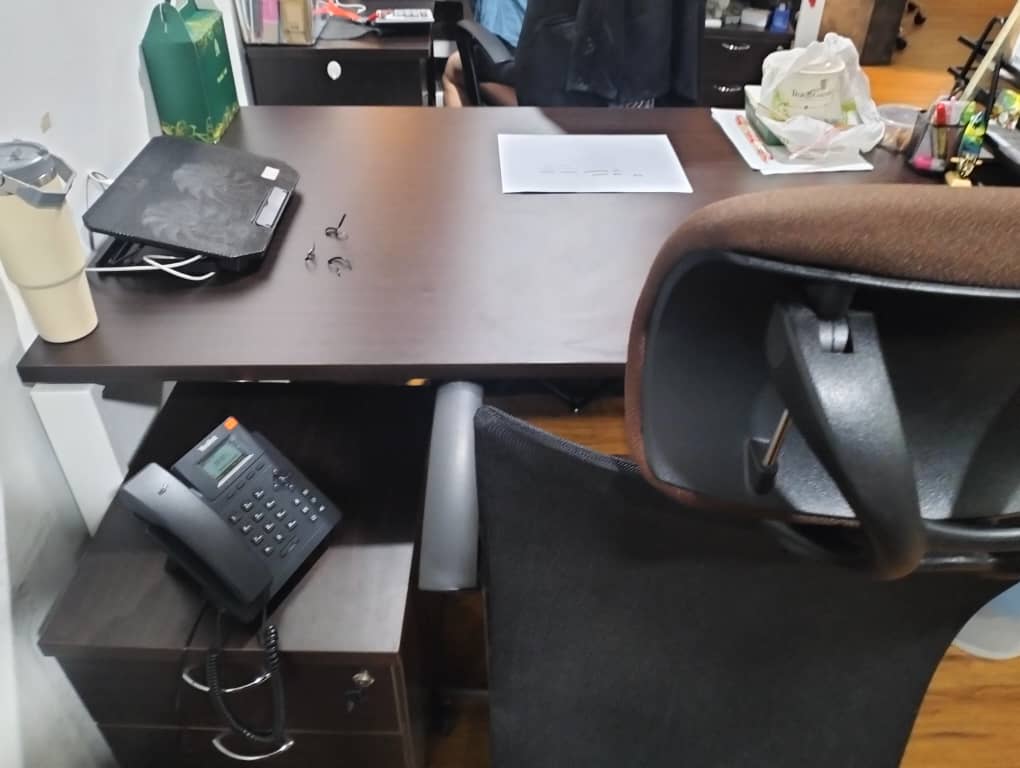
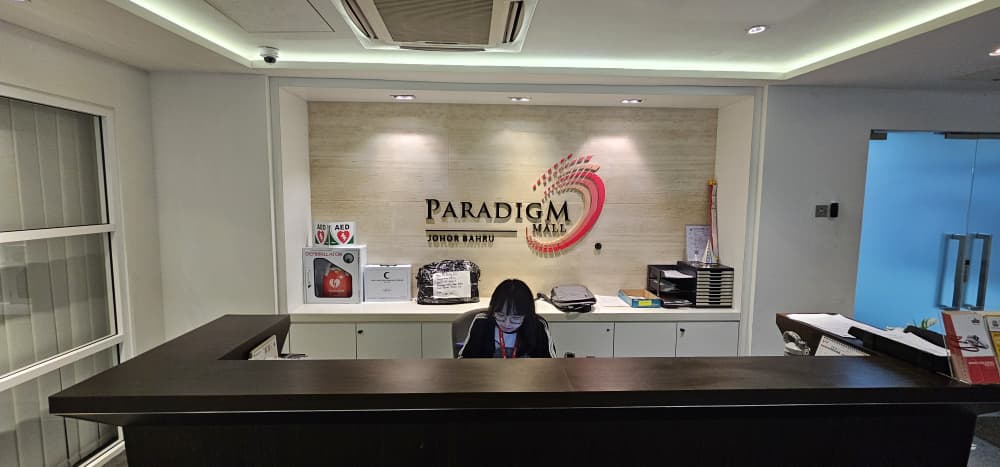
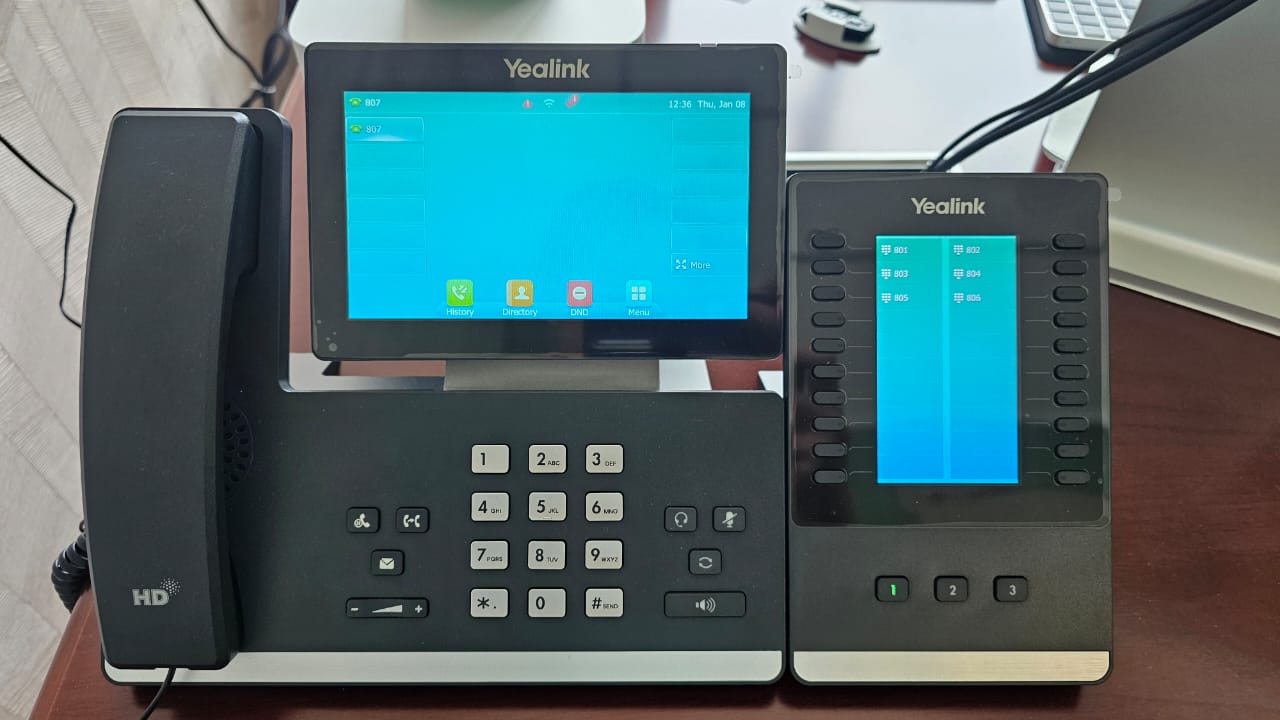
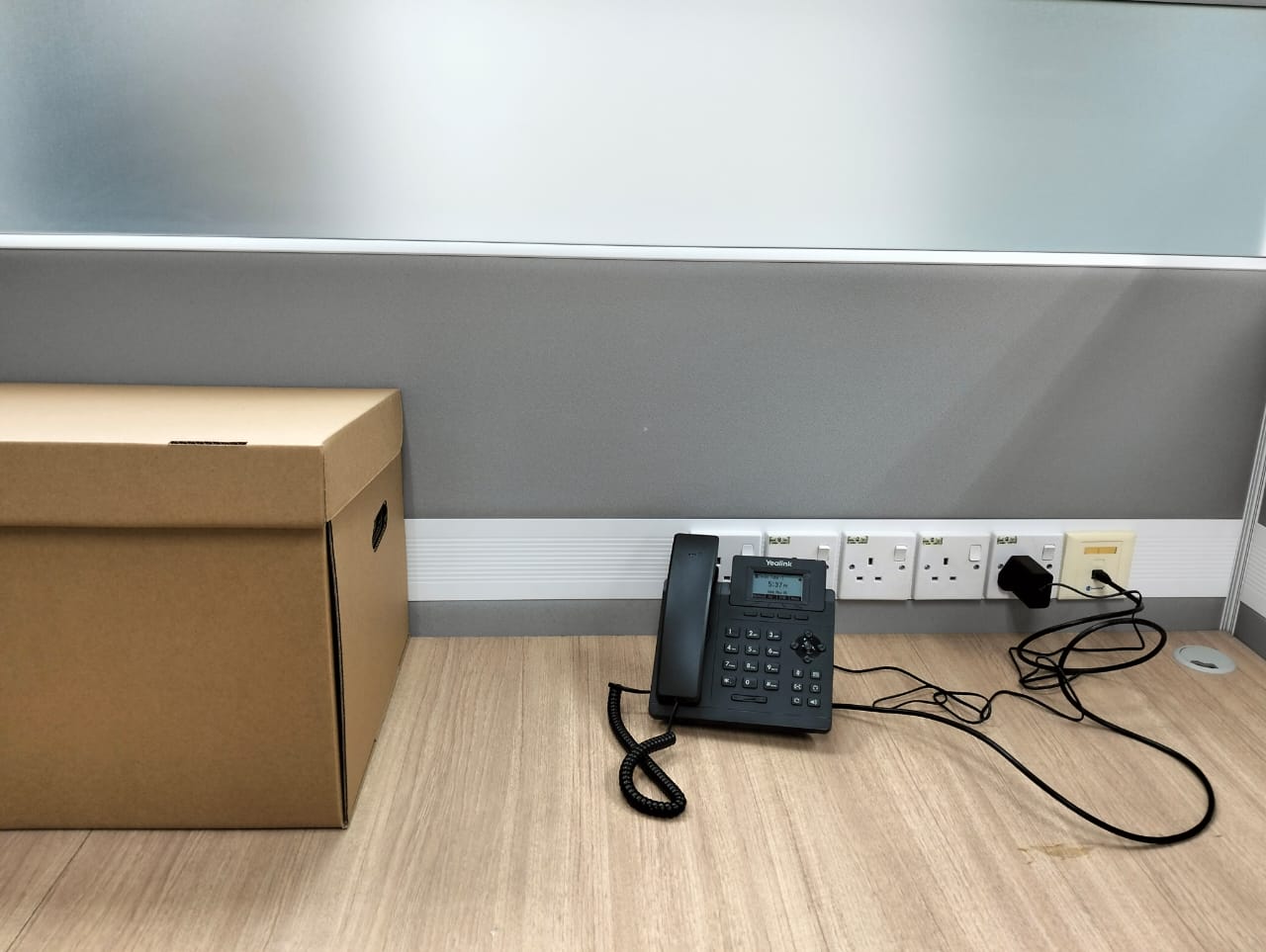
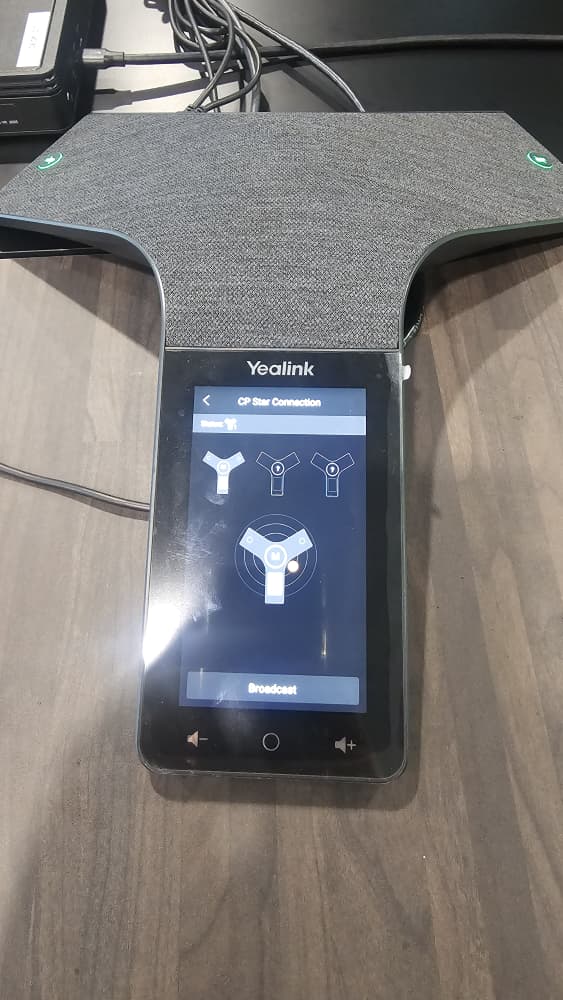
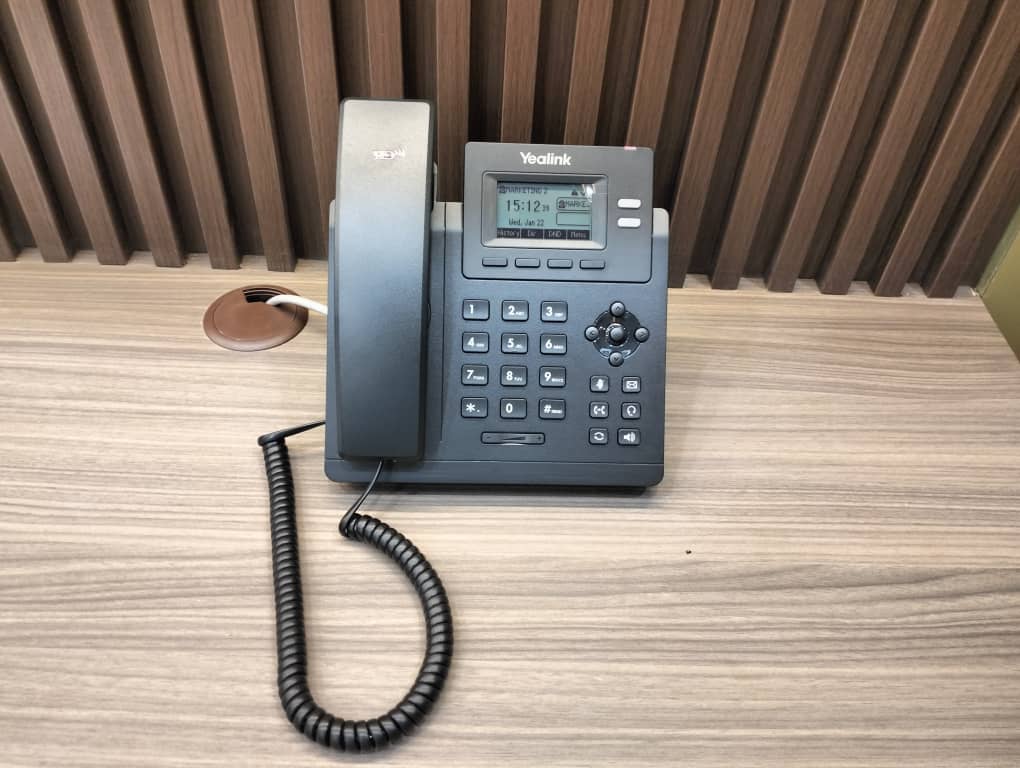
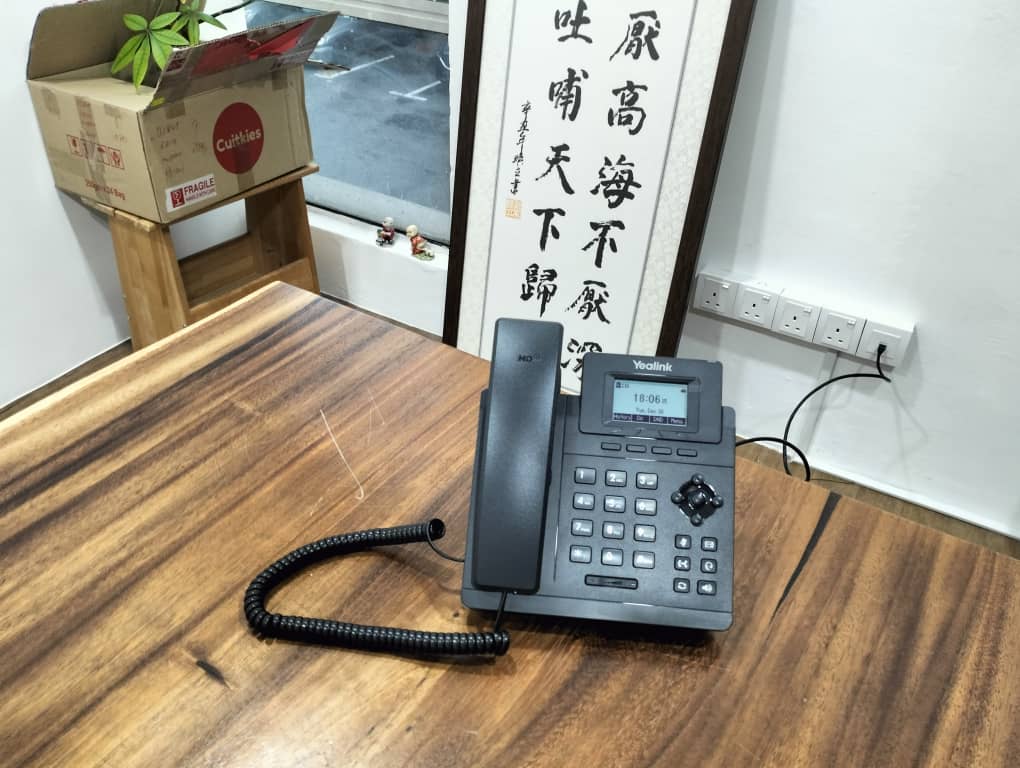
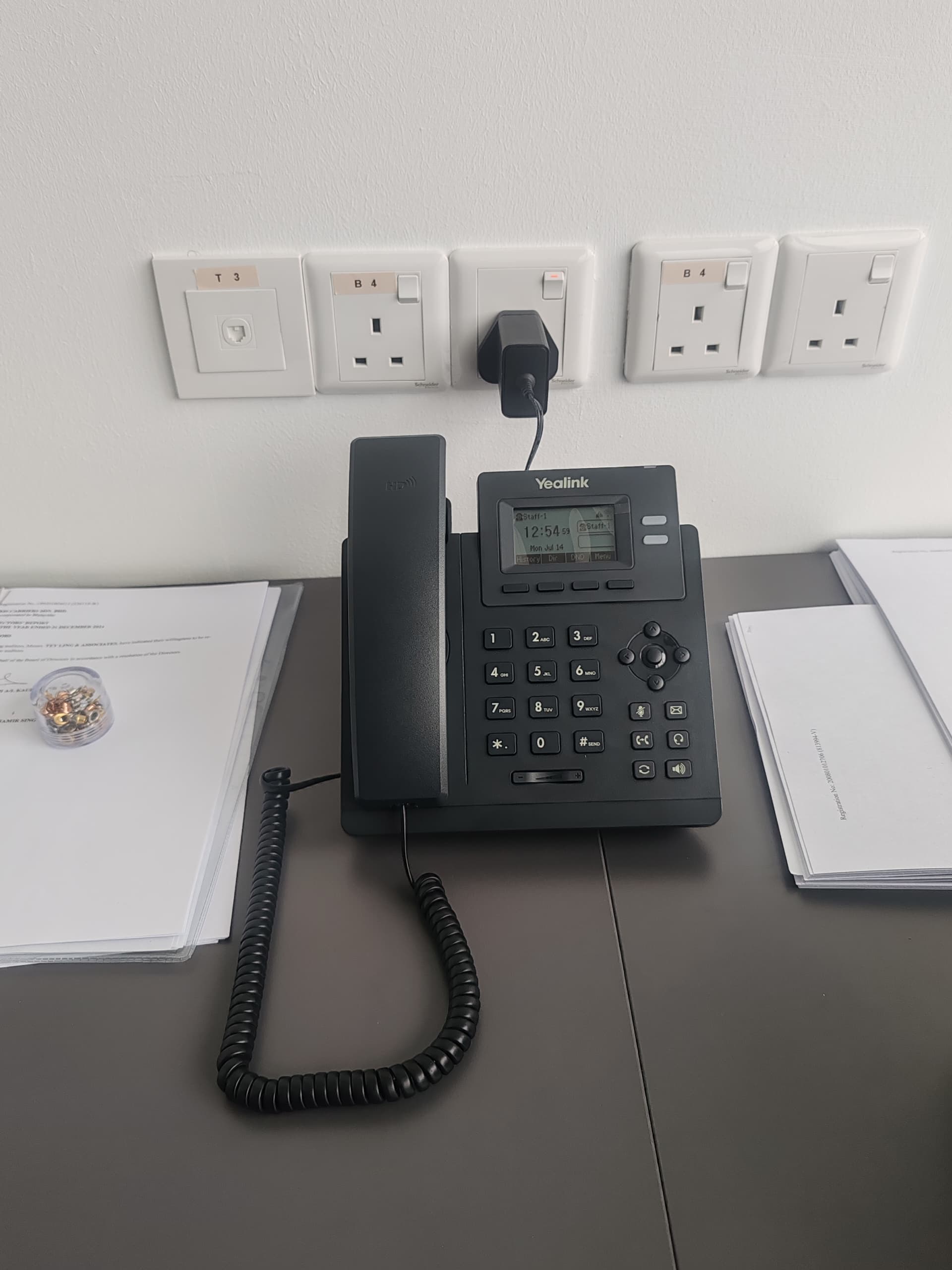
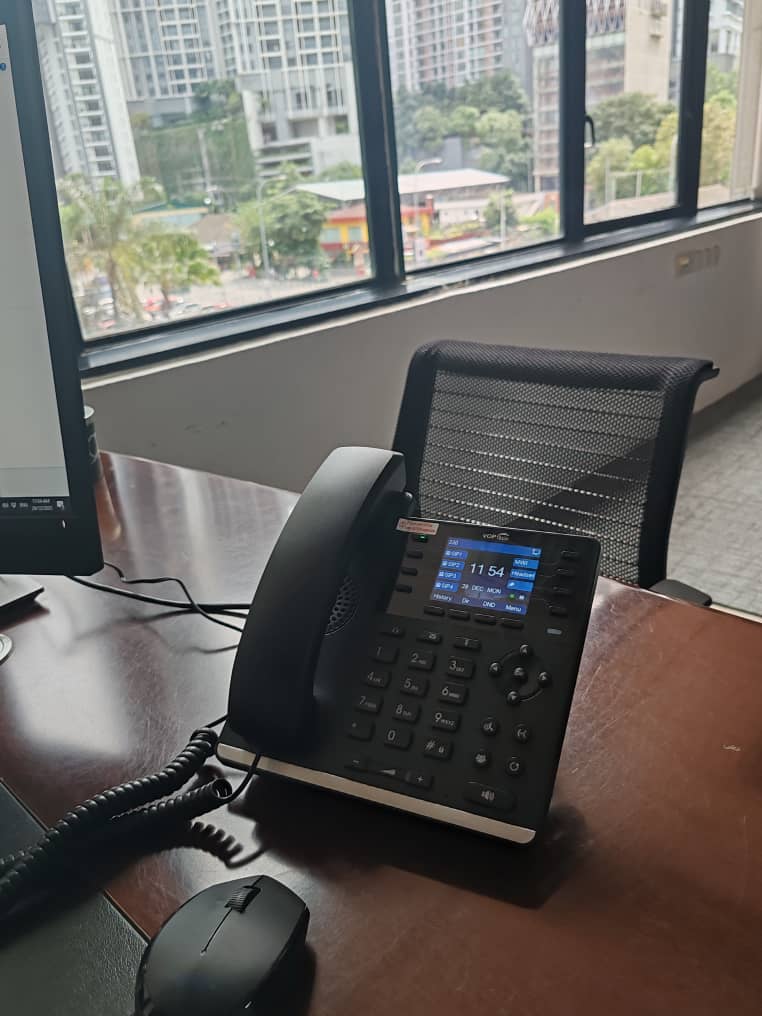
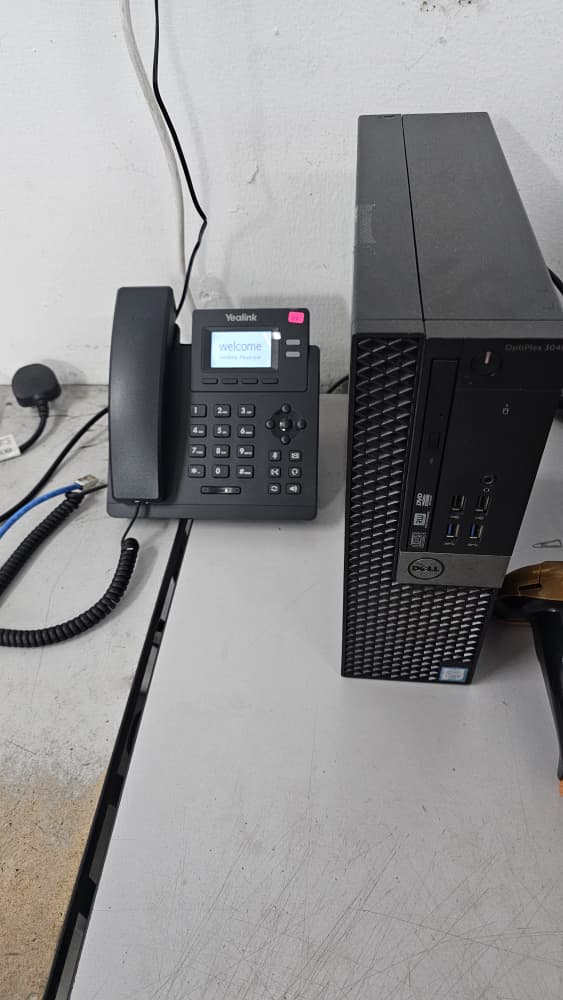
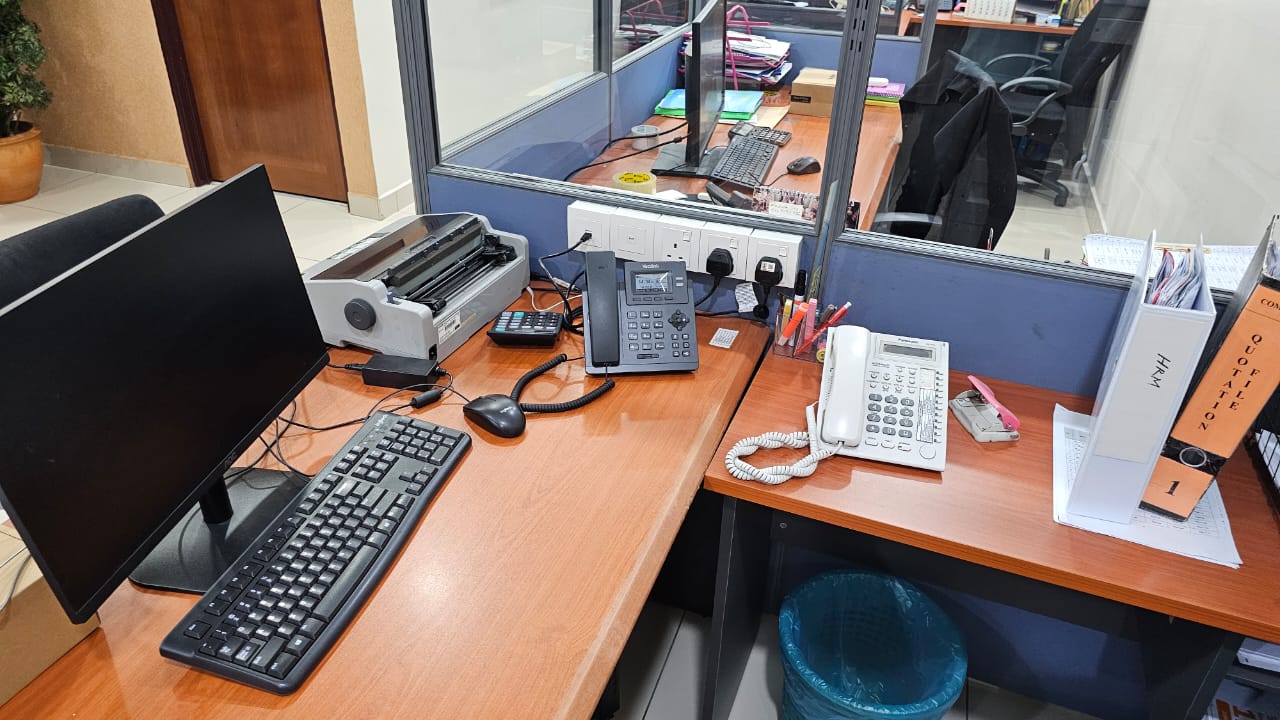
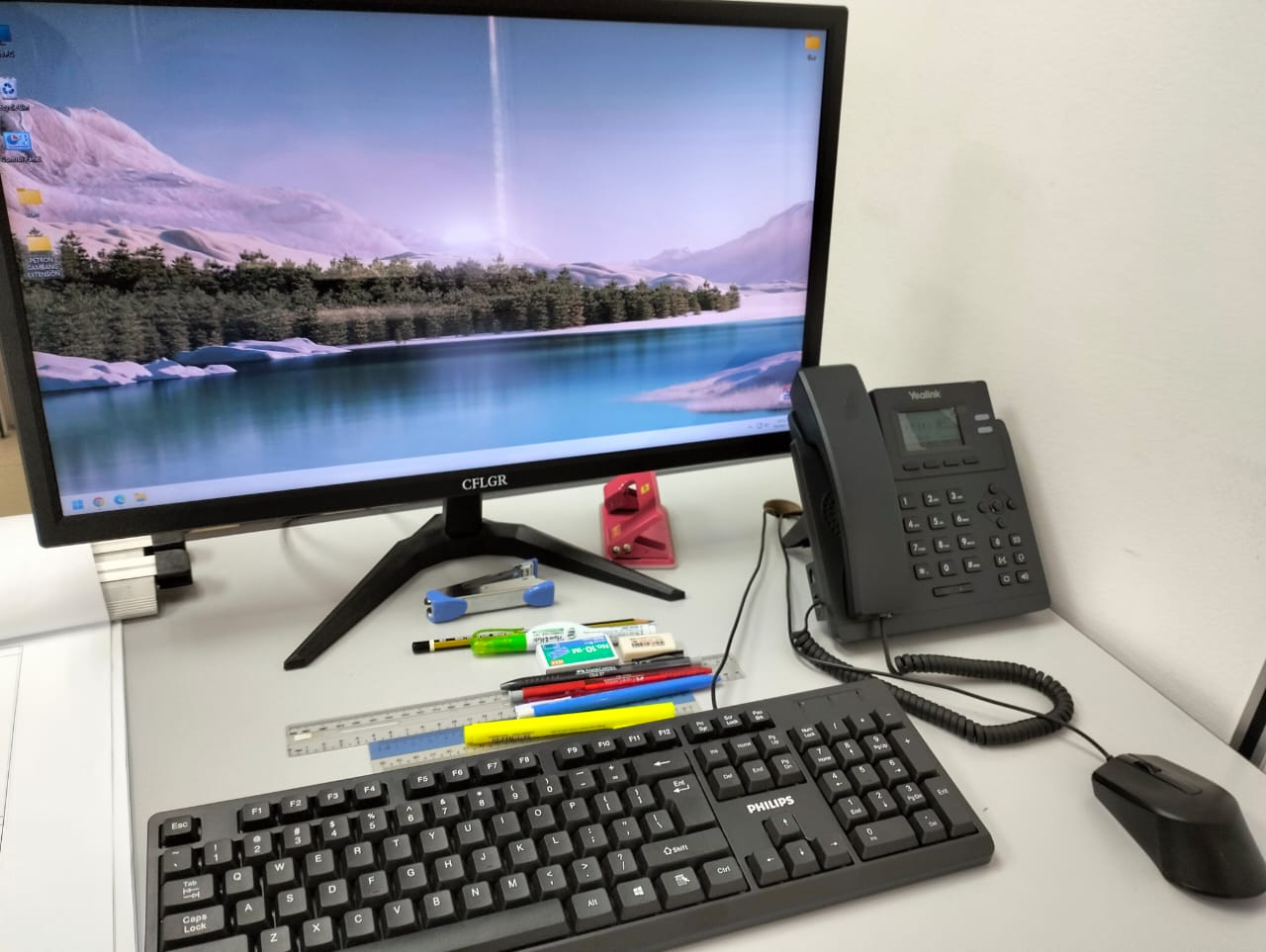
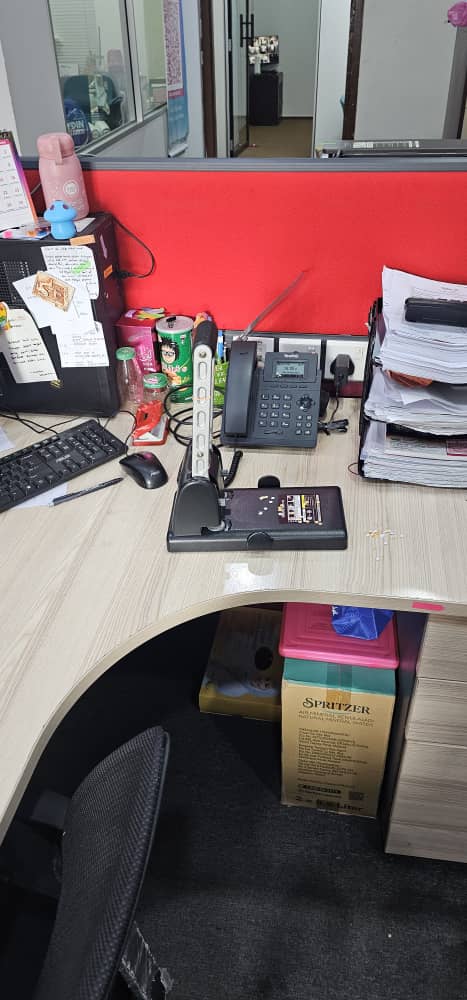
The final configuration depends on your selected package, office requirements, compatible devices, phone numbers and network readiness.
Assign extensions to employees, departments, reception counters or selected office locations.
Transfer calls between users or forward calls to approved destinations based on the selected setup.
Guide callers to the correct team using menu options, ringing groups or call routing rules.
Supported packages may include call recording, call history and management reference reports.
Share your office requirements so our team can understand your current communication environment and recommend a more suitable Cloud PBX arrangement.
Send Your RequirementsUnderstand users, office locations, current phone lines and daily call handling needs.
Arrange extensions, departments, IVR options, ringing rules and transfer requirements.
Prepare the selected Cloud PBX account, compatible devices and approved number setup.
Test the call flow and guide staff on answering, transferring and forwarding calls.
Share your number of users, office locations and preferred call flow. Our team will review your requirements and recommend a suitable setup.
Features, devices, phone numbers and service availability are subject to package selection, compatibility, location, network readiness and documentation approval.